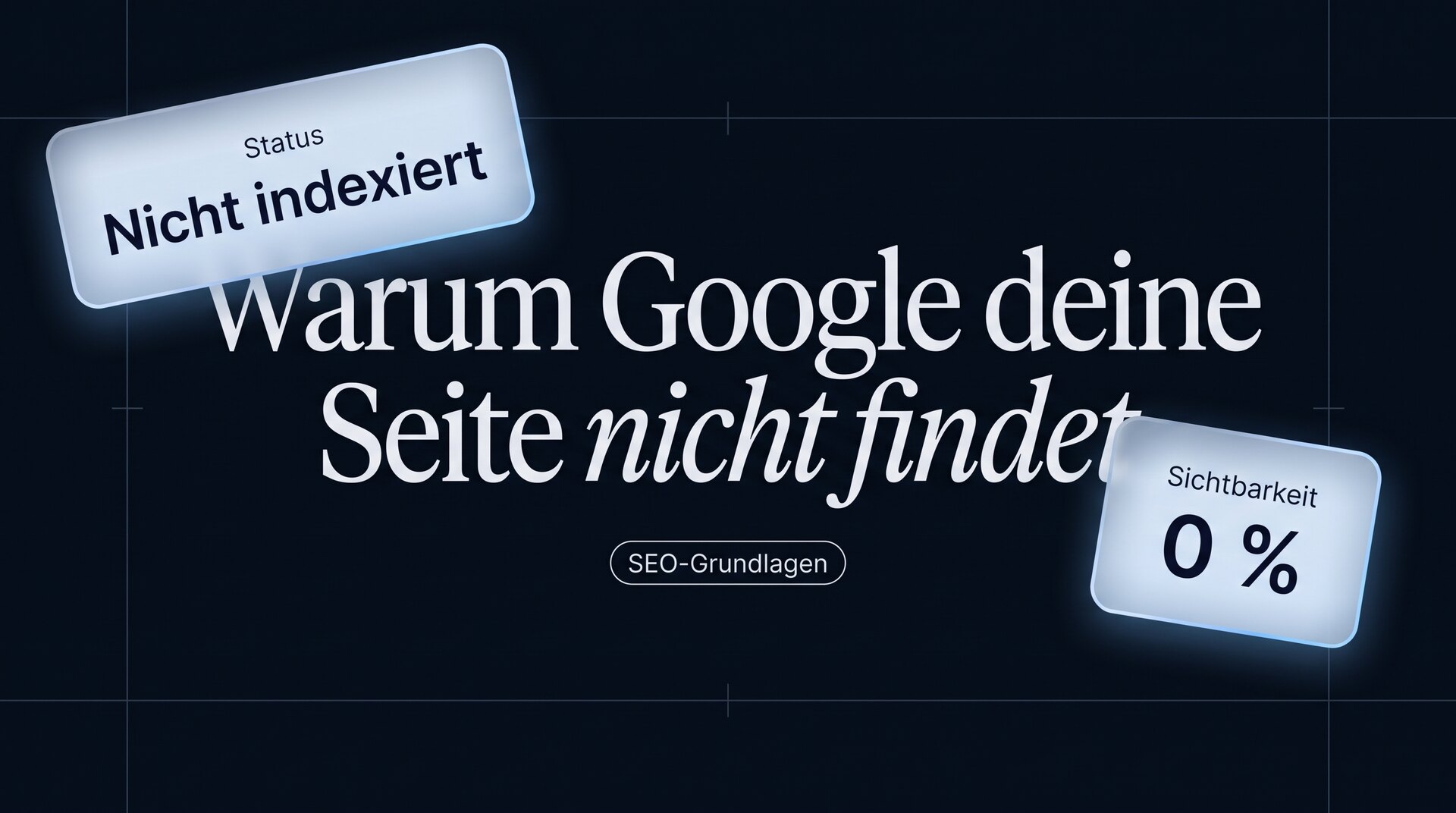
Why your site doesn't show up on Google
Key takeaways
- In most cases, it comes down to one of seven reasons, and you can work through them in this order.
- New pages take days to weeks before they are even included. That is not an error.
- The most common technical reason is a setting that actively locks out search engines, often left over from the development phase.
- If you are found for your company name but not for your service, you don't have a technical problem but a content problem.
First: ask the right question
“We're not on Google” means two very different things in practice, and they have different causes.
The page isn't in the index at all. It doesn't show up even when you search for it specifically. That is almost always technical.
The page is in the index but can't be found. It appears when you search for the company name, but not when you search for the service. That is almost never technical.
The test takes ten seconds: enter site:yourdomain.de on Google. If a list of results comes up, the site is in the index. If nothing comes up, it isn't.
Depending on the result, the following sections apply: the first four for “not in the index”, the last three for “can't be found”.
The test to start with
“We're not on Google” means two very different things in practice, and they have different causes.
The page isn't in the index at all. It doesn't show up even when you search for it specifically. That is almost always technical.
The page is in the index but can't be found. It appears when you search for the company name, but not when you search for the service. That is almost never technical.
The test takes ten seconds: enter site:yourdomain.de on Google. If a list of results comes up, the site is in the index. If nothing comes up, it isn't.
Depending on the result, the following sections apply: the first four for “not in the index”, the last three for “can't be found”.
Reason 1: The page is too new
The most common and most harmless reason. A new website or a new subpage needs time before search engines find it, fetch it and include it. A few days to several weeks is normal.
You can speed this up: set up Google Search Console, submit your sitemap and request indexing for the most important pages. That doesn't replace links, but it noticeably shortens the waiting time.
What also helps: at least one link from a website that is already known. An industry directory, a partner company, an article in a trade publication. Without any incoming link, inclusion takes much longer.
Reason 2: The site locks out search engines
The most common technical reason, and it usually comes from the development phase. During the build, the site is deliberately blocked for search engines, and at launch someone forgets to remove the block.
Three places where this happens:
The file robots.txt. Open yourdomain.de/robots.txt. If it says Disallow: /, the entire website is blocked.
The noindex tag. Search the source code of a page for noindex. If it is there, the page won't be included, even if it is reachable.
A setting in the system. Many systems have an option like “block search engines”. It is quickly set and rarely reset.
This is the point where the biggest damage can be fixed with the least effort.
Reasons 3 and 4: Redirects and duplicates
Missing redirects after a relaunch. If URLs have changed and the old ones don't point to the new ones, you lose all the visibility you have built up. The old addresses return an error, the new ones are unknown. That is the most expensive avoidable mistake in the entire relaunch.
You can check this in Search Console under the coverage reports. Errors show up there as soon as search engines fetch the old addresses again.
The same page under several addresses. With and without www, with and without https, with and without a trailing slash. Technically, these are different addresses. If it isn't clear which one is valid, the strength is spread across several variants instead of being concentrated on one.
The solution is the same in both cases: one clear destination address, everything else redirects to it.
Reasons 5 and 6: The content doesn't match the search
From here on, it is about pages that are in the index but aren't found.
The page answers a different question. Someone who searches for “testing systems for suppliers” and lands on a page called “Our expertise” that talks about quality in general hasn't found what they were looking for. Search engines recognize this, not from the text alone, but from visitor behavior.
The comparison is simple: search for your target term and look at the first five results. What questions do they answer? Does your page answer the same questions, or does it talk about something else?
The search term is too competitive. A new website won't rank for “web design”. But it can definitely rank for “testing systems for automotive suppliers”. The more specific the term, the more realistic the goal, and the more qualified the visitors.
That is not a stopgap but the better strategy: ten specific terms with twenty searches each bring in more business than one general term where you are on page four.
Reason 7: There are no signals from outside
Even a technically flawless page with matching content needs indications that it is relevant. These indications come from other websites.
That doesn't mean you should buy links, that tends to do harm. It means the obvious sources should be used: industry directories, association memberships, partner sites, supplier lists, your Google Business Profile, trade publications you already appear in.
This is tedious, unspectacular work. But for most companies, it is the point with the greatest untapped potential, simply because nobody has ever taken care of it systematically.
The order to work through: first check the index, then blocks, then redirects, then duplicates, then content, then search terms, then links. In this order, you will find the cause fastest.


More articles