



UX/UI Design Agency
UX/UI design that
guides visitors with confidence.
Scope of services05 building blocks
01User Goals02Structure and Wireframes03Clickable Prototypes04Interface Design05Design SystemGood design doesn't stand out; it guides. We plan how people move through your website or web app and create interfaces that are instantly intuitive. From the initial wireframe to the design system that development can adopt directly.


Companies from the DACH region and around the world trust Webwavers.

















UX/UI Design Case Studies
Interfaces that guide visitors with confidence.
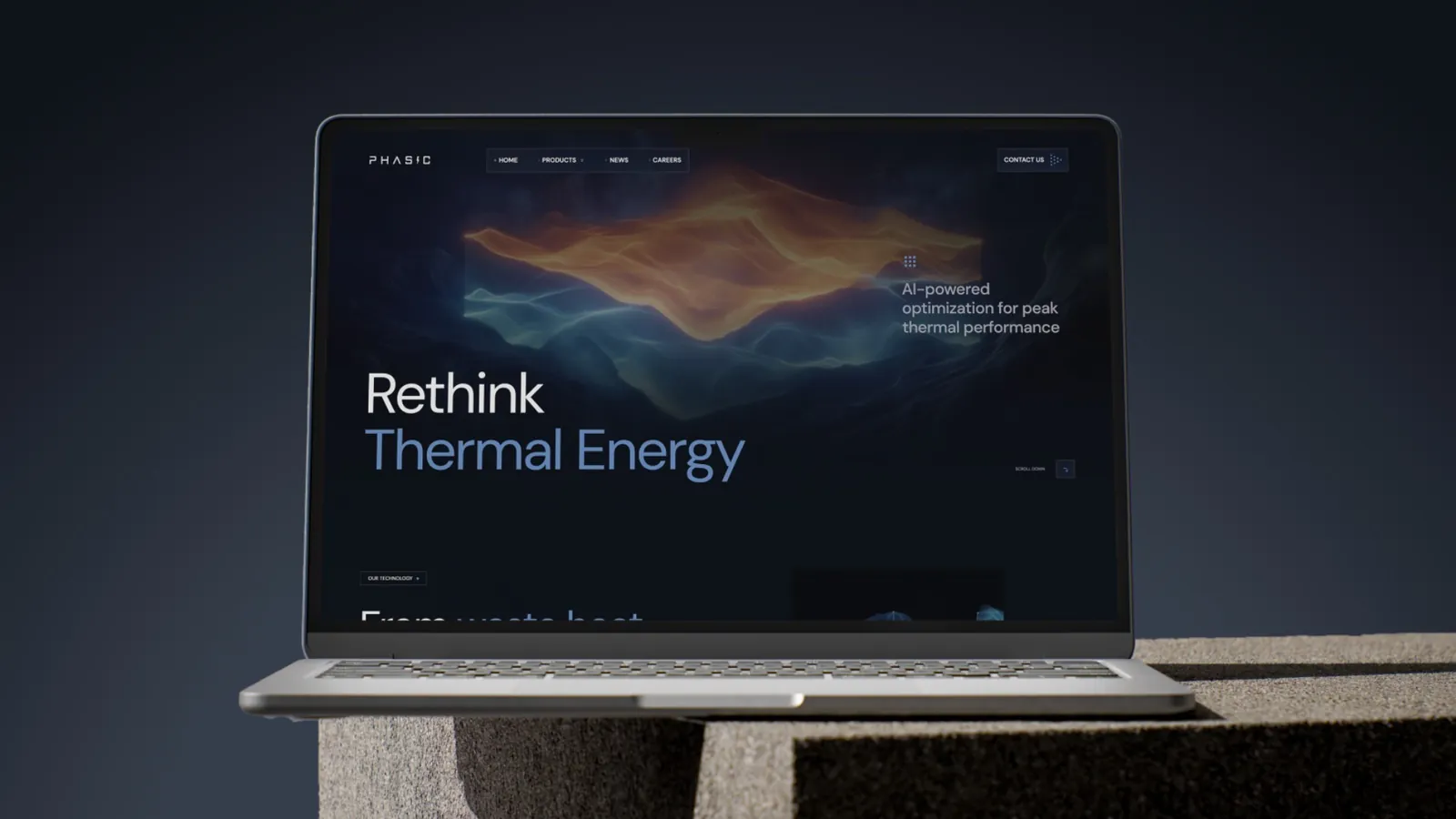
Making highly complex technology accessible: a clean information architecture and a content flow that doesn't overwhelm.
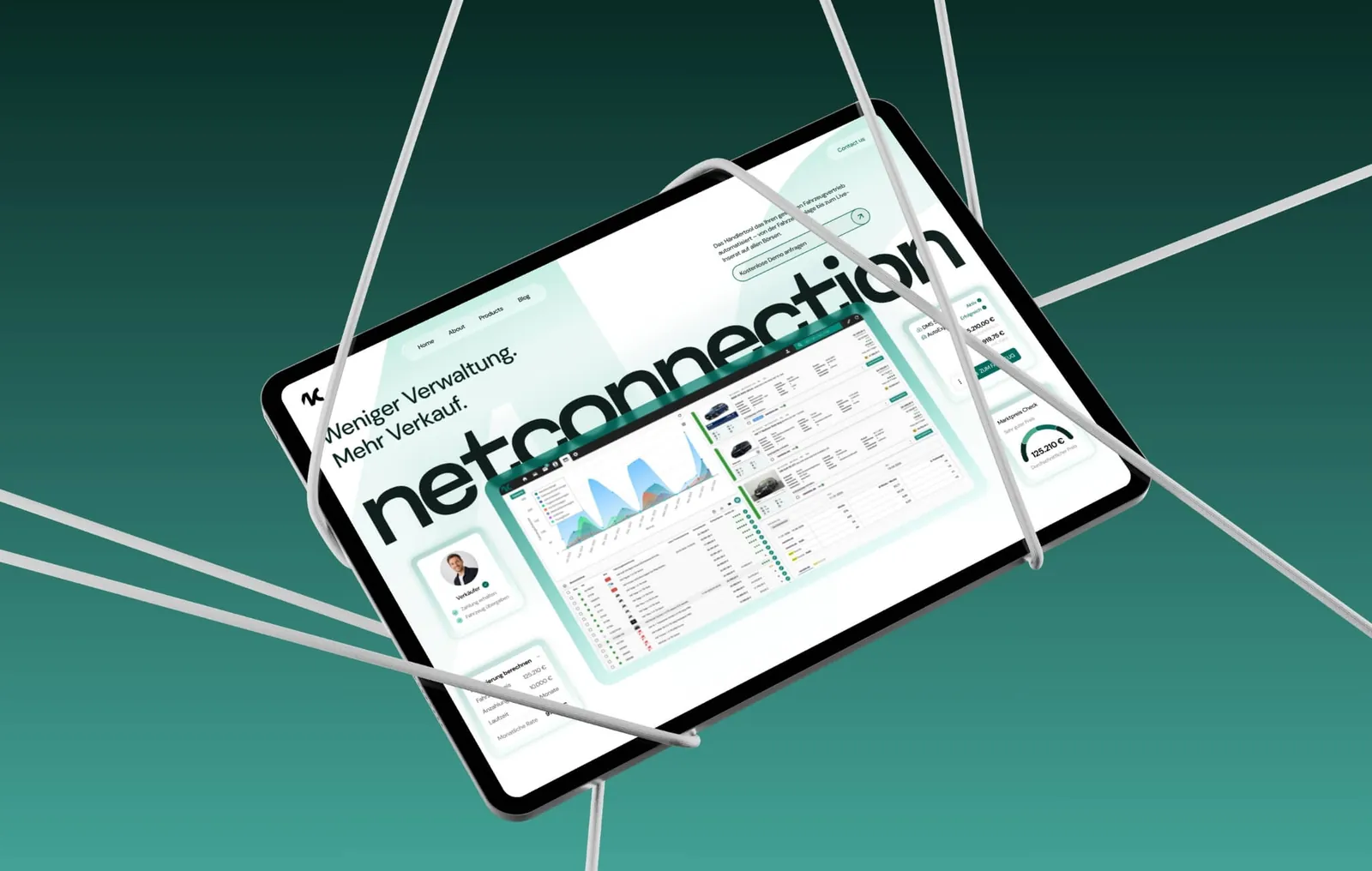
Making a SaaS platform for the automotive retail sector easy to understand: clear paths through a complex product, complemented by a new brand identity.
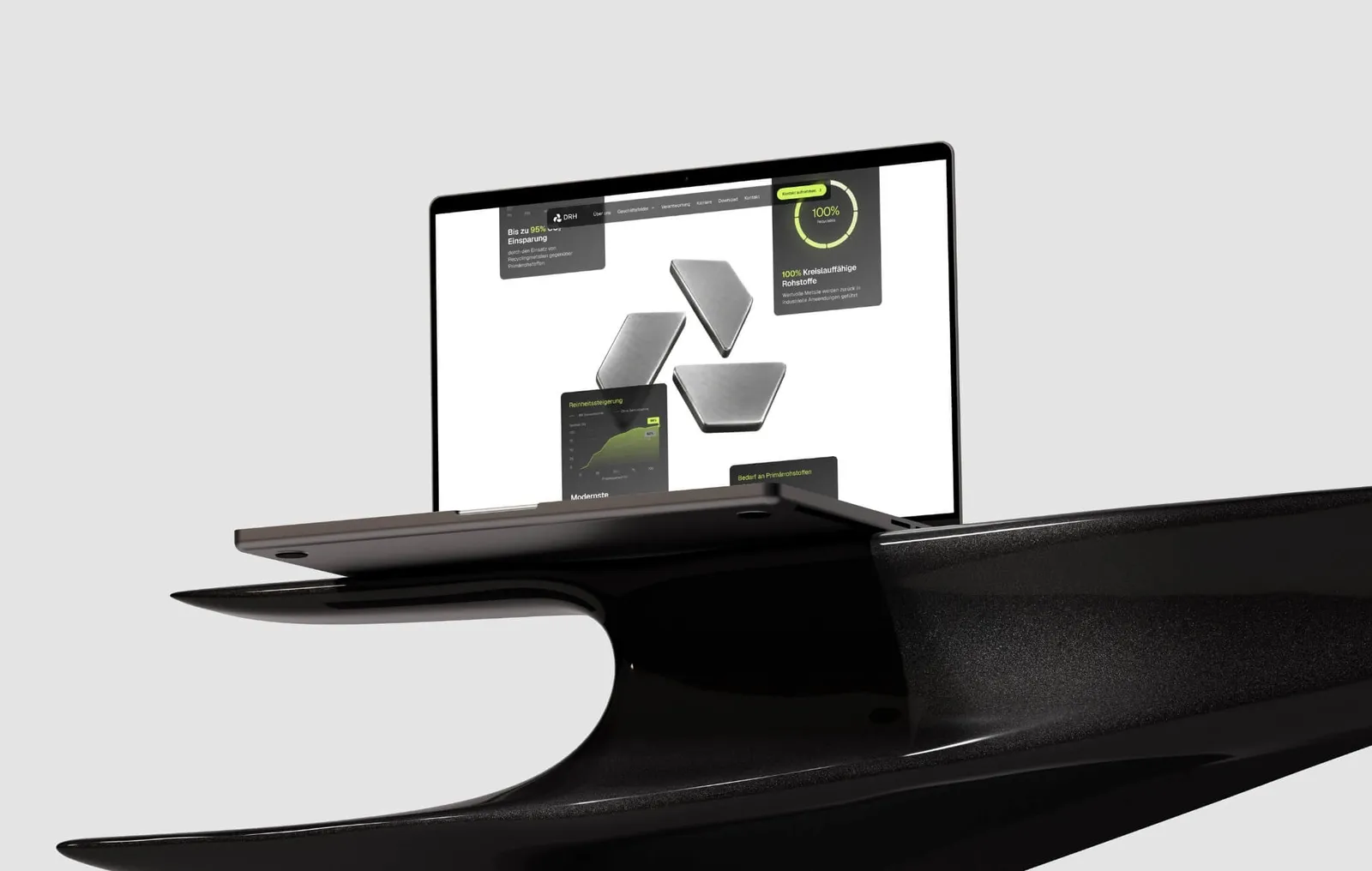
A trading company repositioned: a clear brand, a structured presence, and DRH with its sub-brands all under one roof.
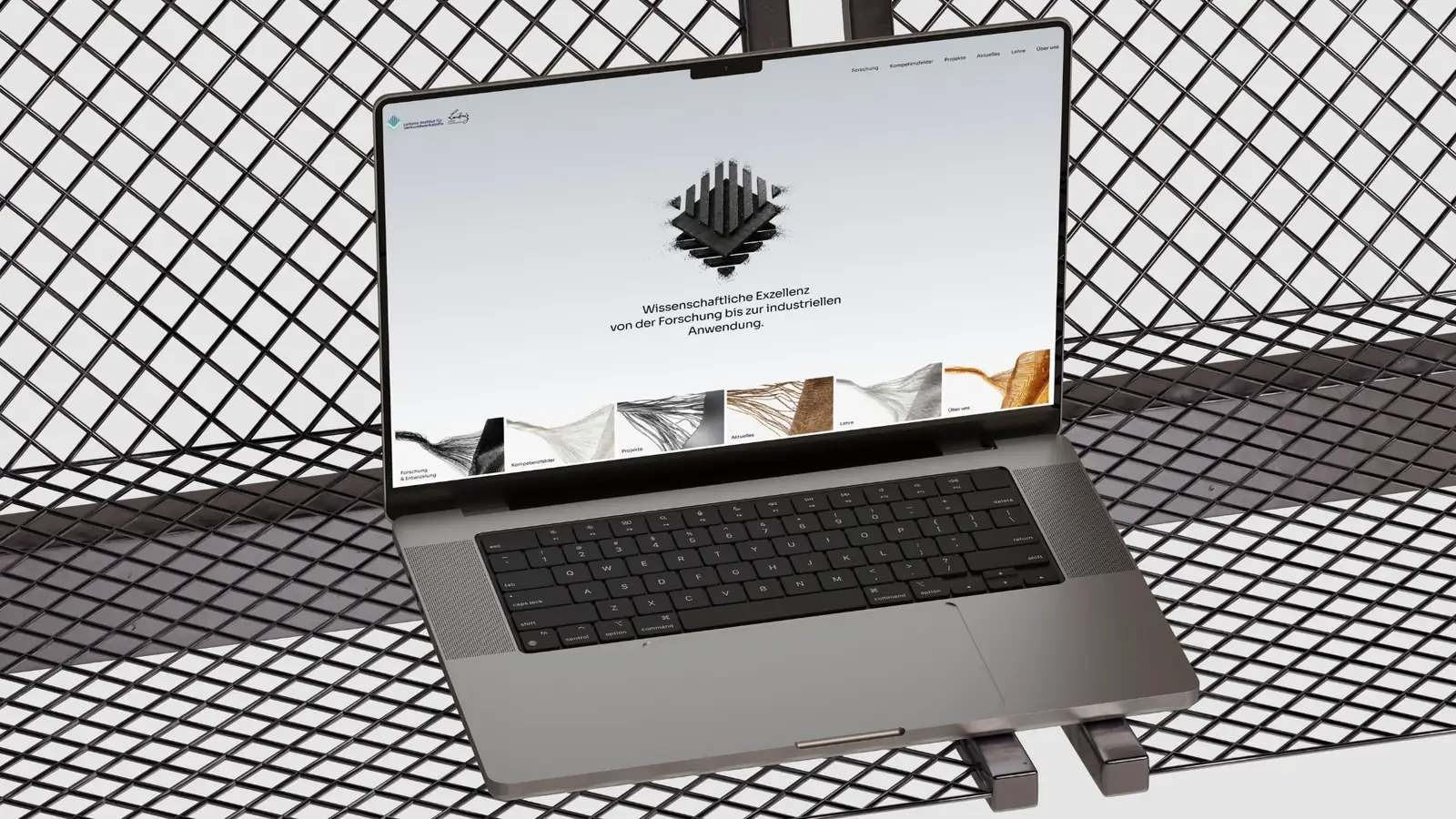
A clear information architecture for the Leibniz Institute for Composite Materials and its extensive content library.
More projects
Tap a project for details.
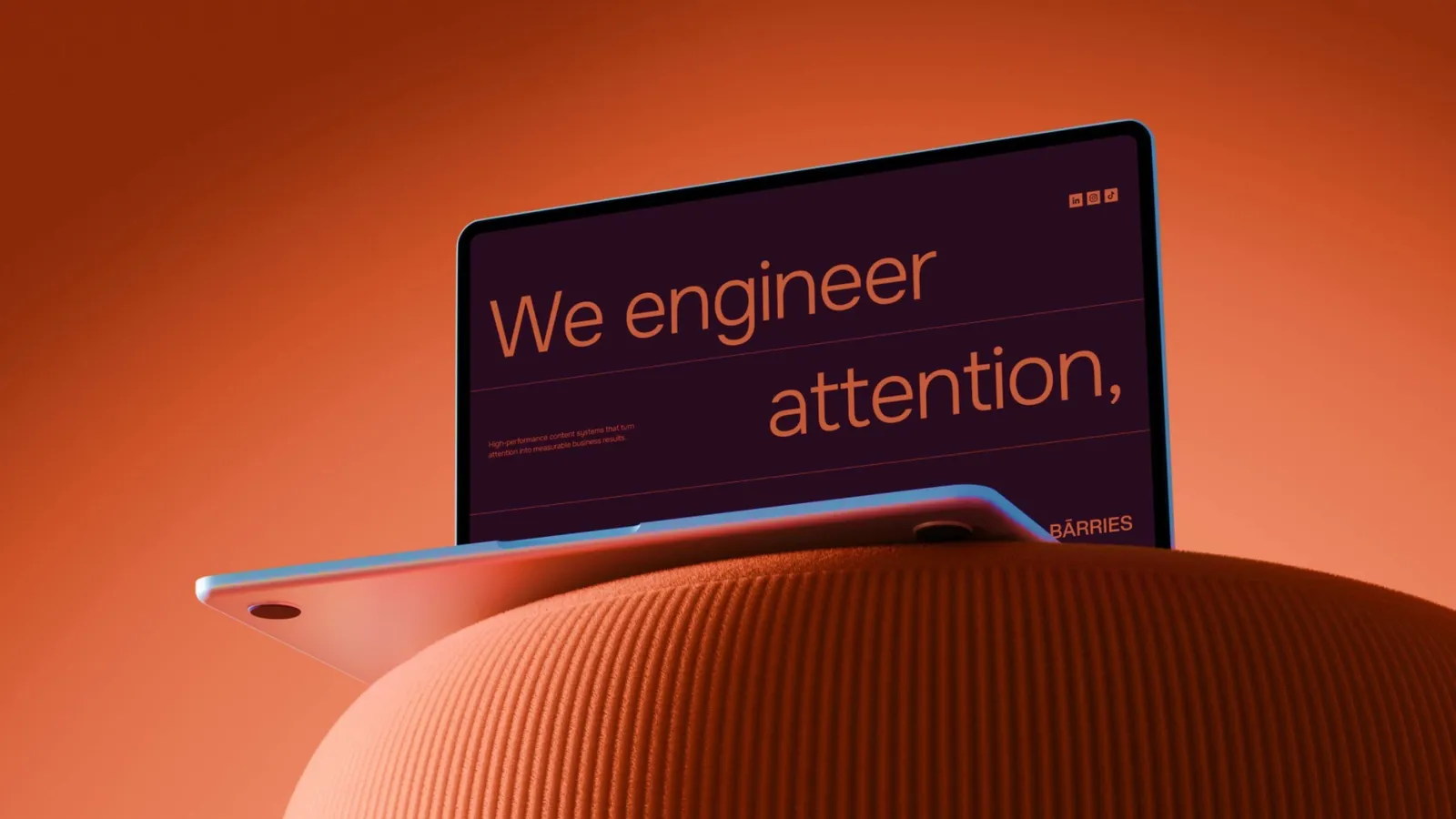
Bárries
Social Media
with impact.
Learn more

OnlyJets
Expansive imagery
for a premium feel.
Learn more
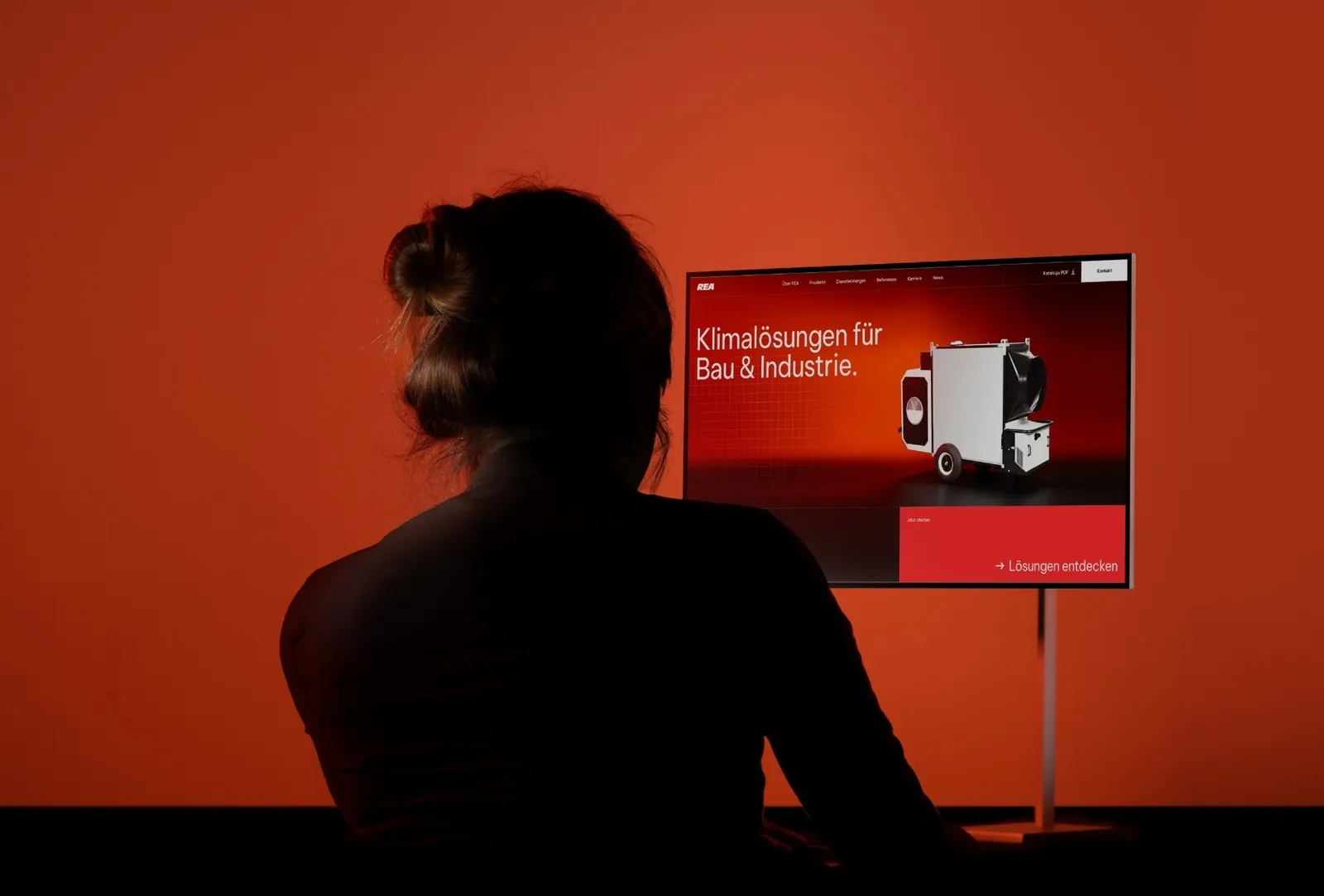
REA GmbH
Professionalism and expertise
at a glance.
Learn more
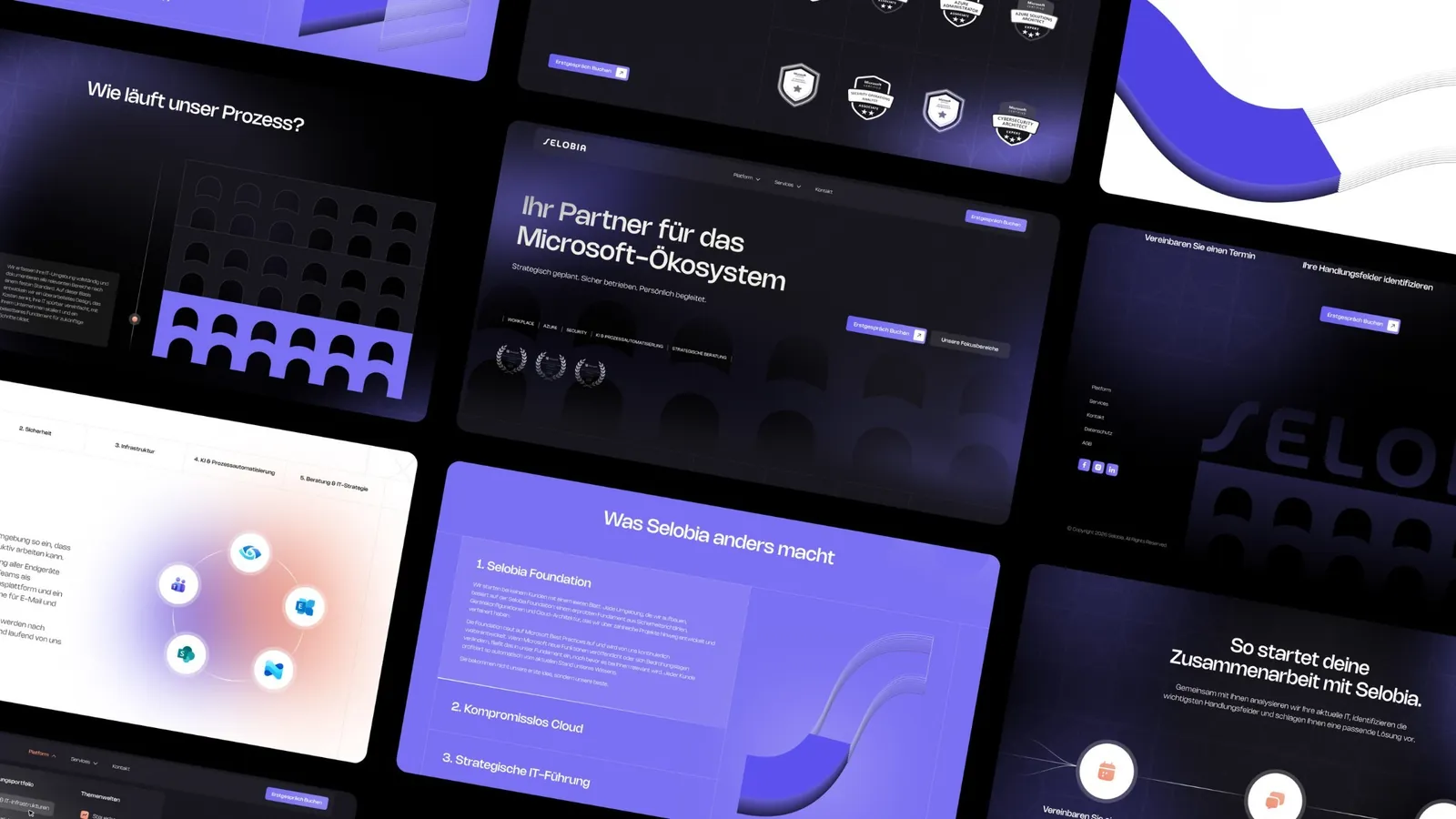
Selobia
The Aqueduct
as a design principle.
Learn more
Services in detail
What goes into
our UX/UI design.
Eight building blocks, from user goals to the handover to development. The images come from real projects.
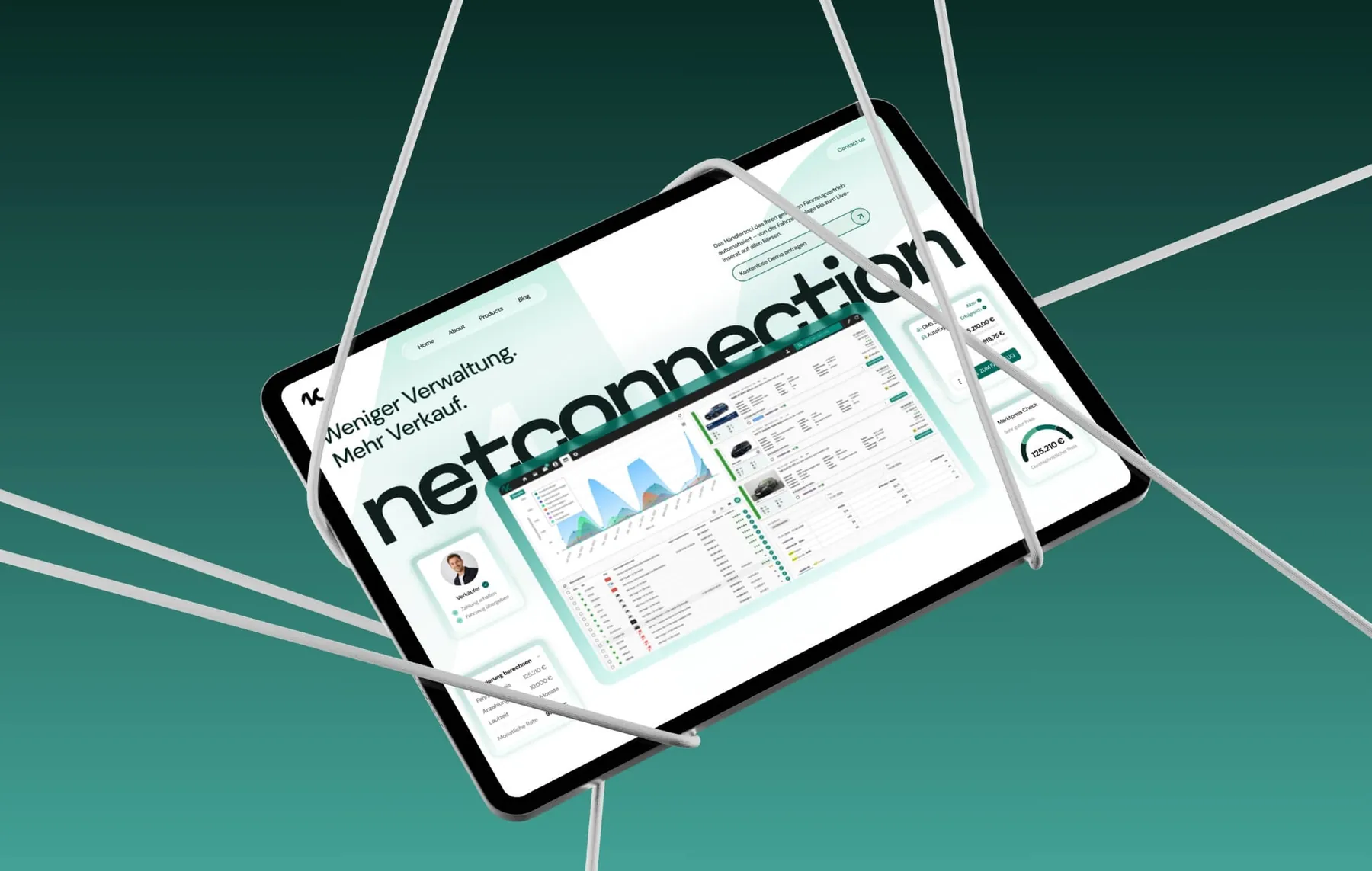
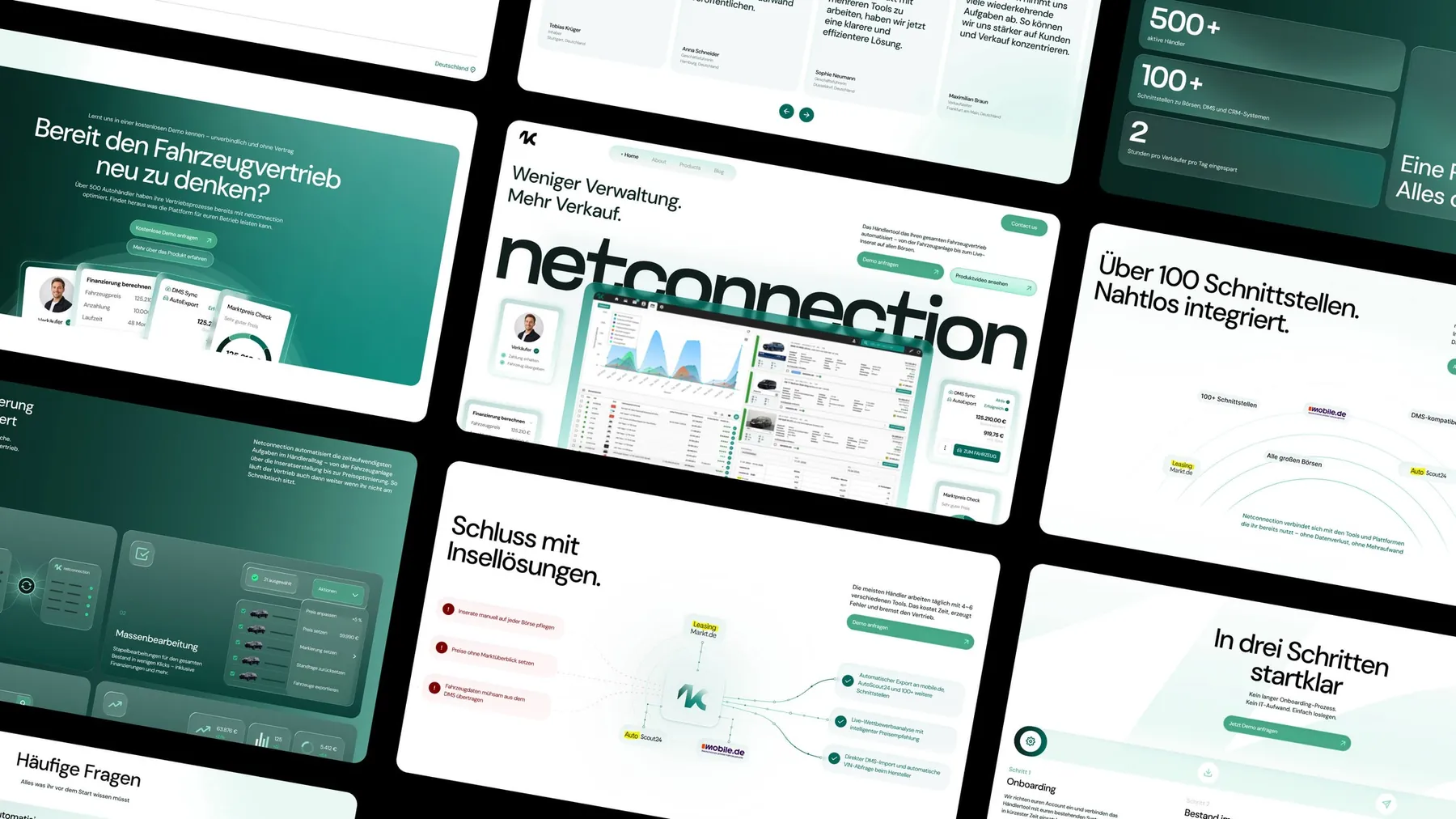
Case: netconnection
In the projectInterface designView case →
01
User goals and analysis
Who visits your site and why? Analytics and your sales knowledge feed in.
02
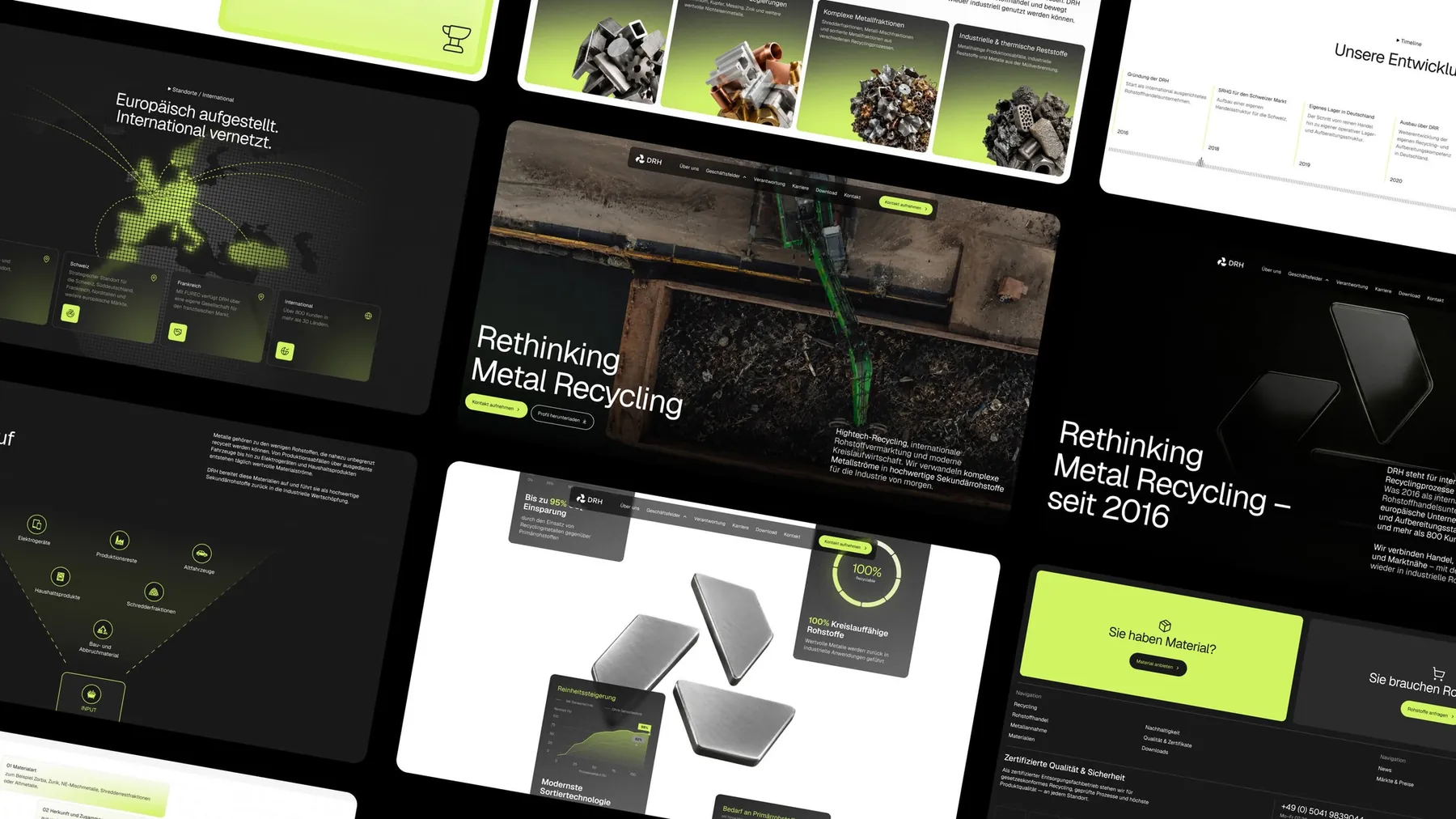
Information architecture
Site tree, menu and naming from your users’ point of view, not the org chart.
03
Wireframes
Define content, order and hierarchy before it gets pretty.
04
Clickable prototypes
Experience enquiry, booking or login as a prototype before any code is written.
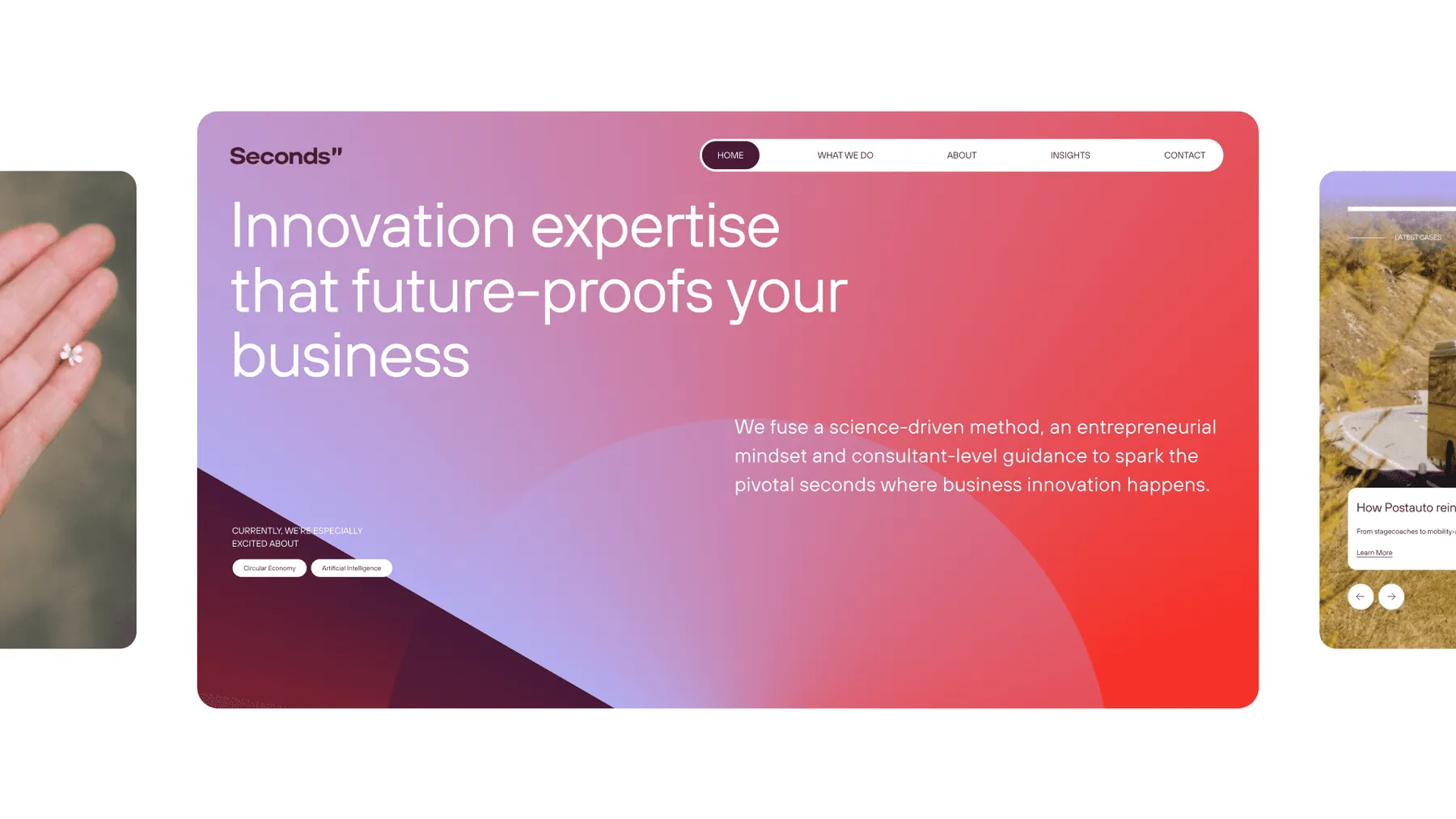
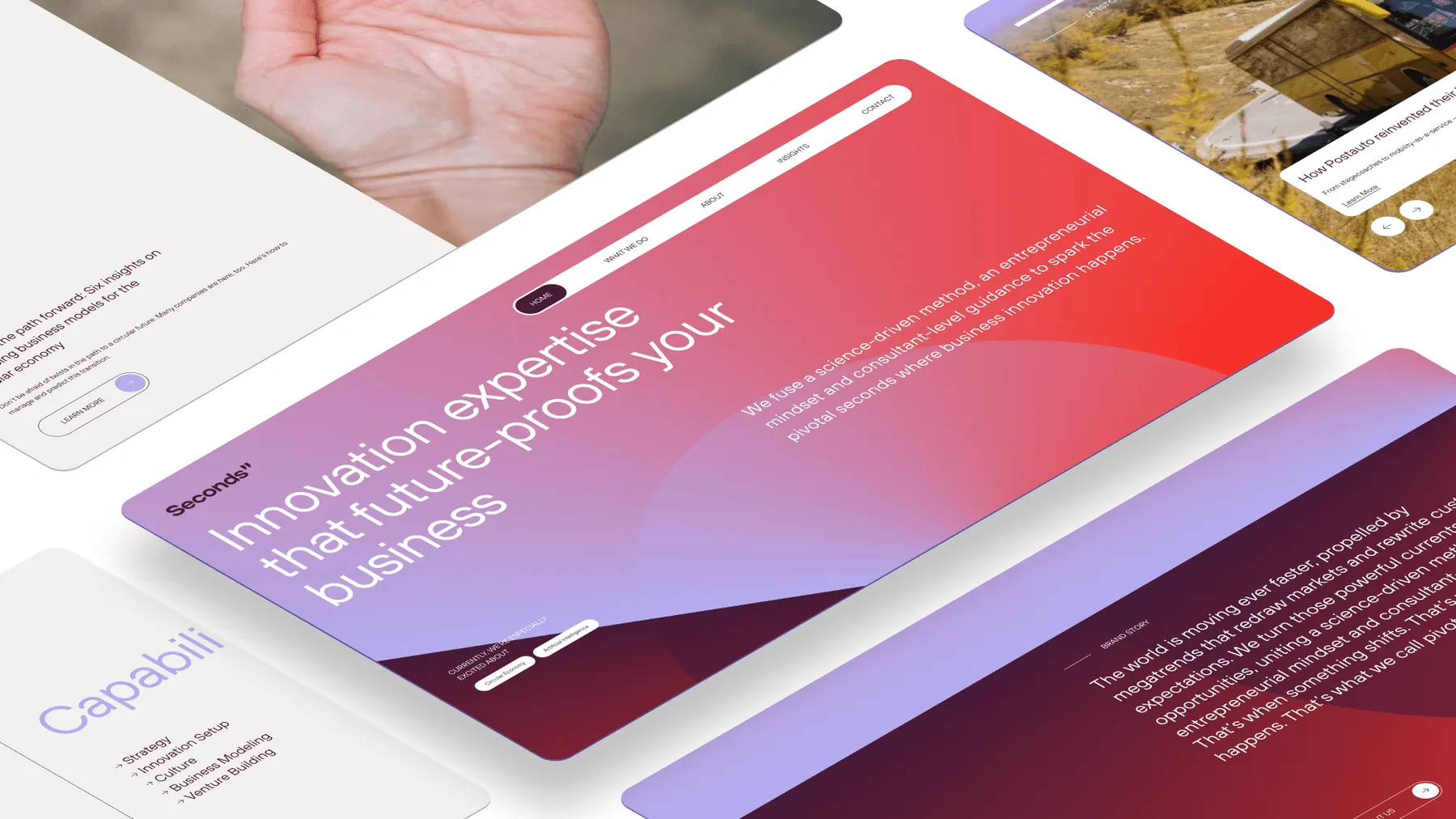
Case: Seconds
In the projectDesign system and componentsView case →
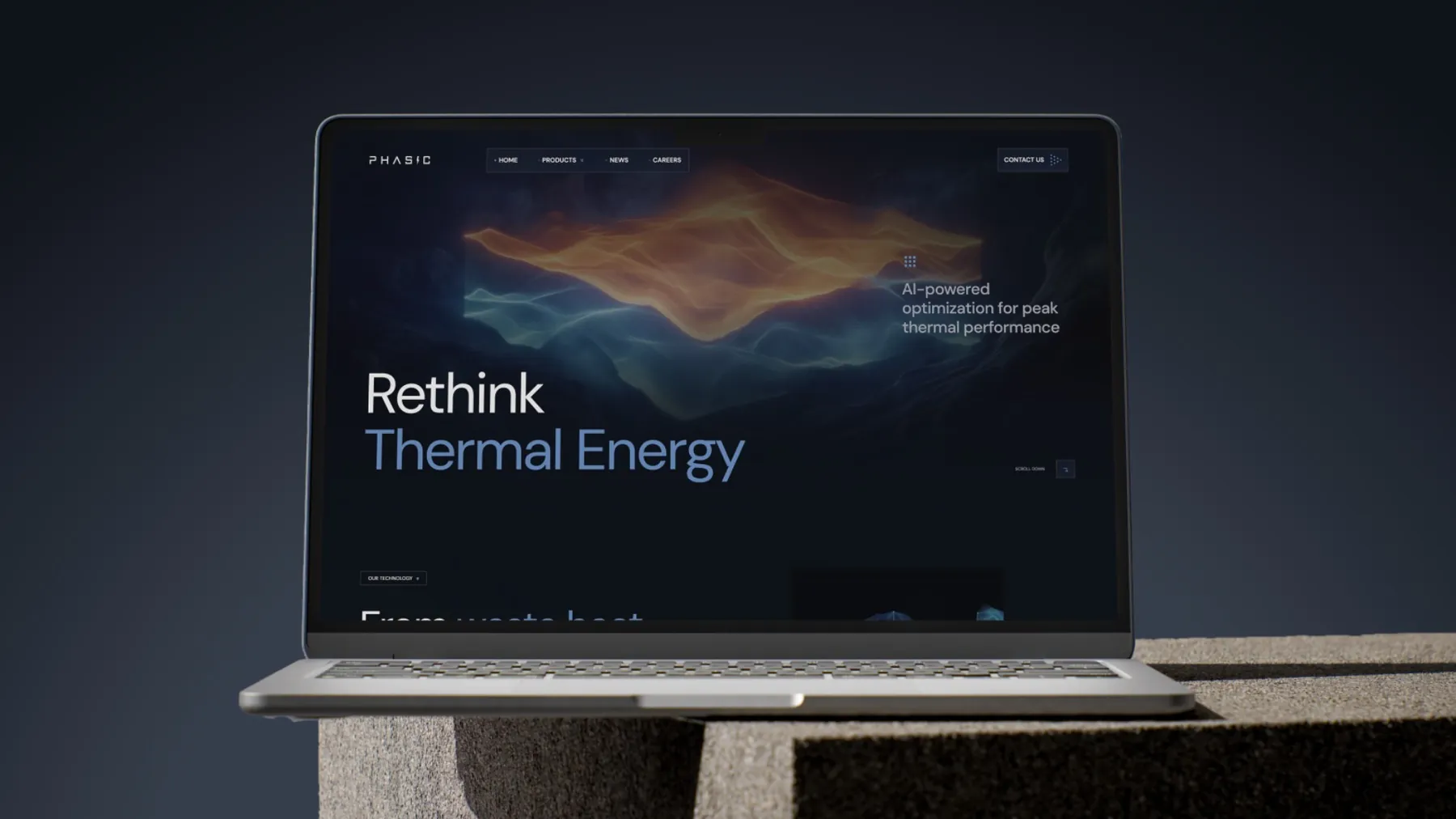
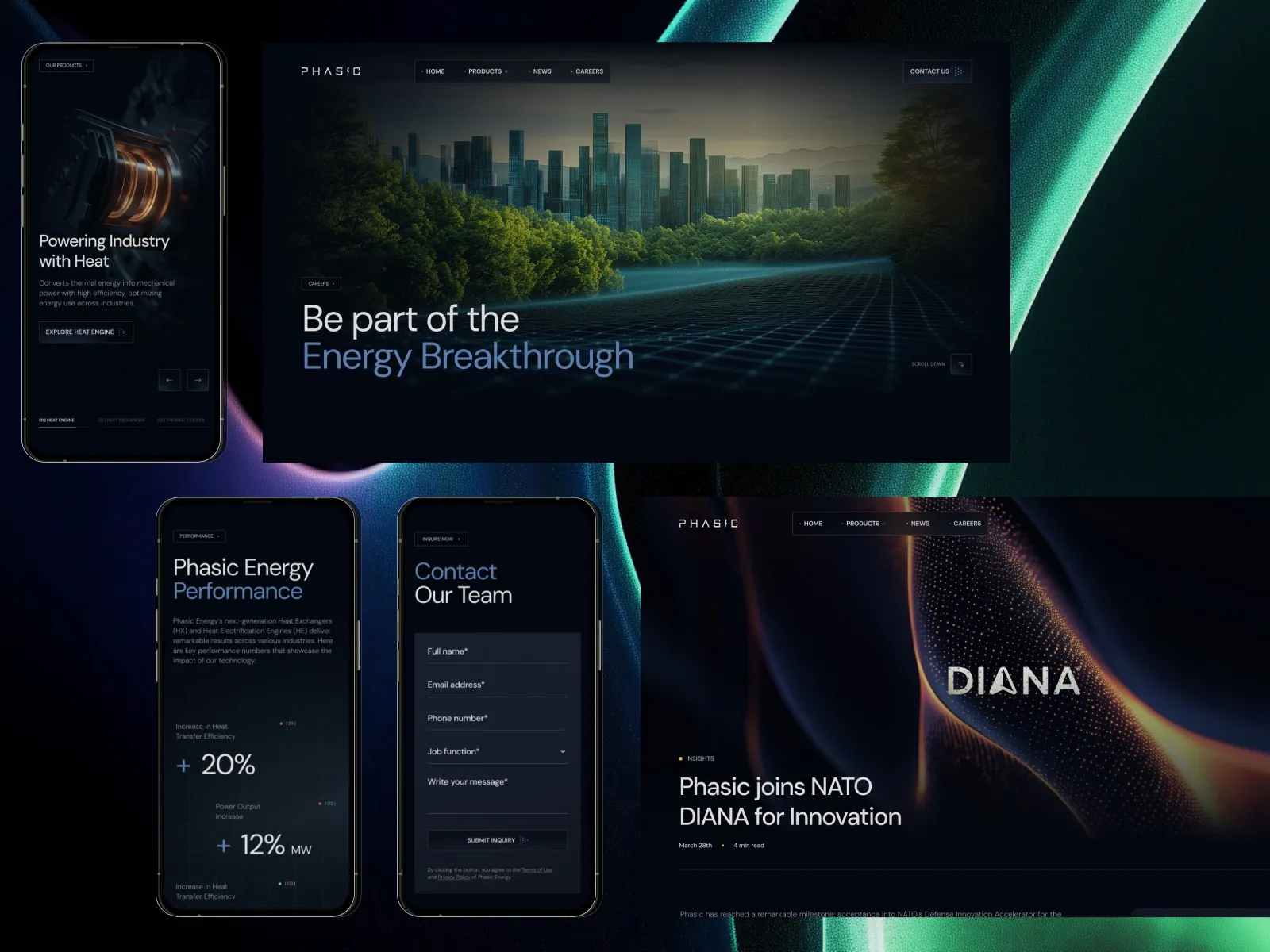
Case: Phasic Energy
In the projectMicro-interactionsView case →
05
Interface design
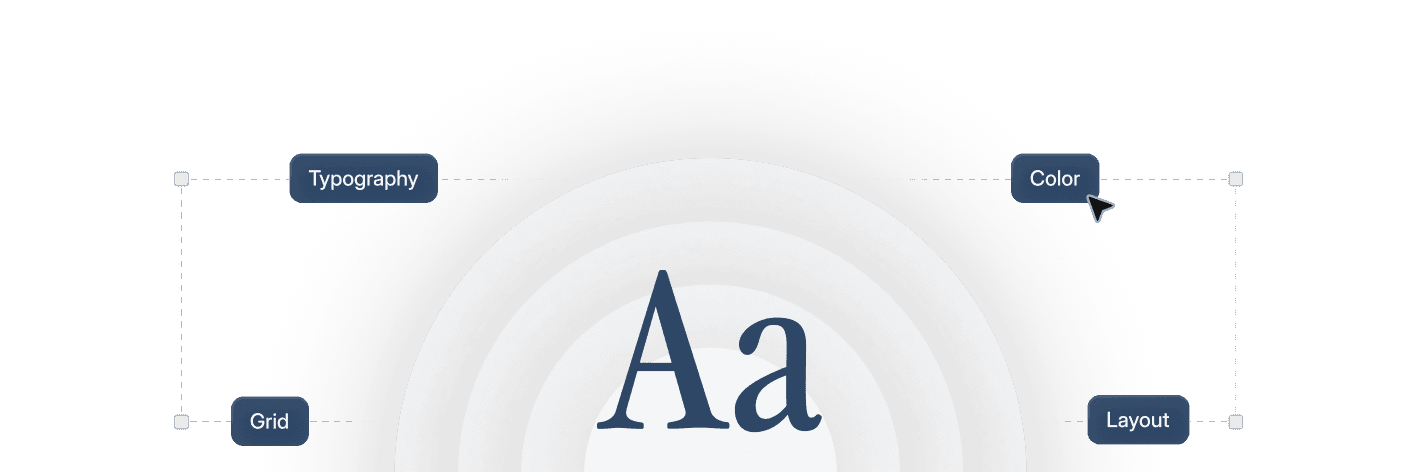
Colour, typography and grid that fit the brand, with every state.
06
Micro-interactions
Motion that gives orientation, not as an end in itself.
07
Design system and components
Components with variants and tokens, cleanly documented in Figma.
08
Accessibility and handover
Contrast, font sizes and keyboard use checked against WCAG.
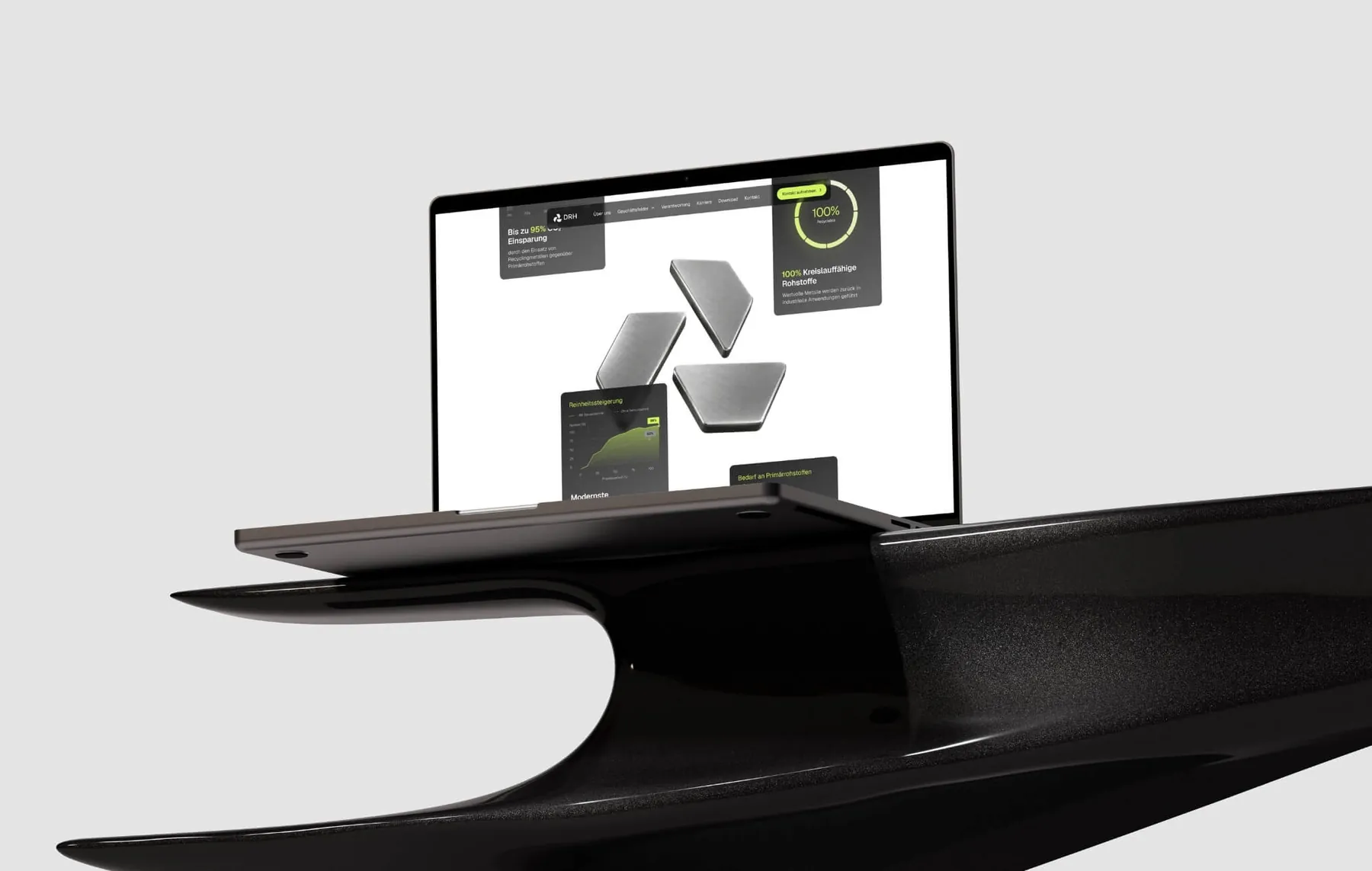
Case: DRH
In the projectInformation architectureView case →
Why it works
Why it works
Why it works
Why UX/UI works with us.
We start with your users’ tasks, not with colours. The interface follows from there.
01
Tasks before interface
First we clarify who comes to the site and what they want to get done. Structure and screens follow.
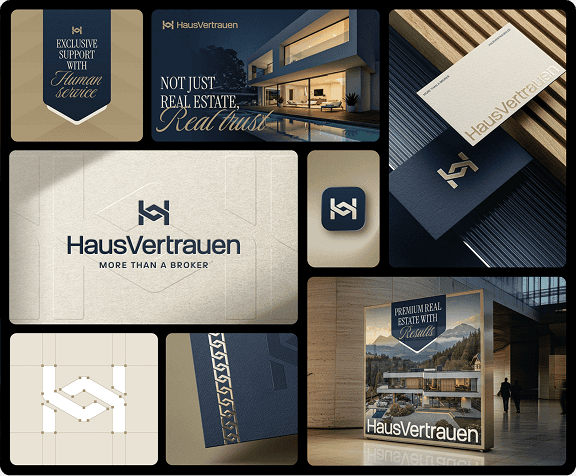
02
Testable early
You see core flows as wireframes or a clickable prototype before the detailed design starts.
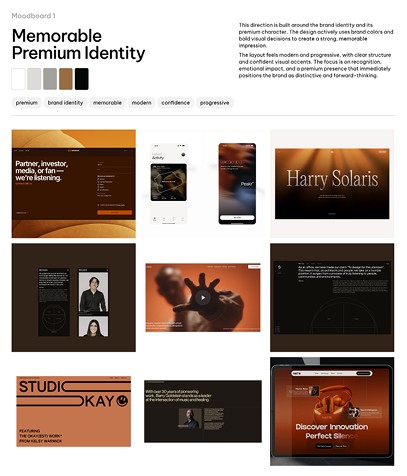
03
A system, not single screens
Components, states and tokens in Figma that developers can work with right away.

04
Built by the same team
If you like, we build the design ourselves. Nothing gets lost between Figma and code.

Collaboration you can plan on.
One dedicated contact, your own Slack channel and a feedback round at every milestone.


Your own Slack channel
Every client gets their own Slack channel. Short paths, quick feedback and a direct line to the team.


Dedicated project manager
One contact for everything. They coordinate the project and keep you updated regularly.


Transparent progress
Every phase ends with a visible result. You always know where the project stands.


Feedback at every stage
Every milestone has a feedback round. We only move on once you approve.
The Webwavers experience
Standards on every website.
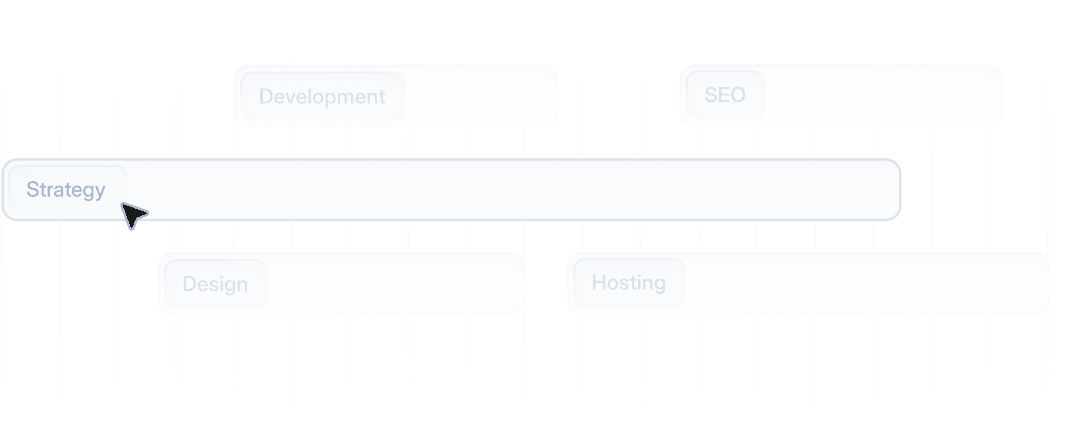
Full service. From A to Z.
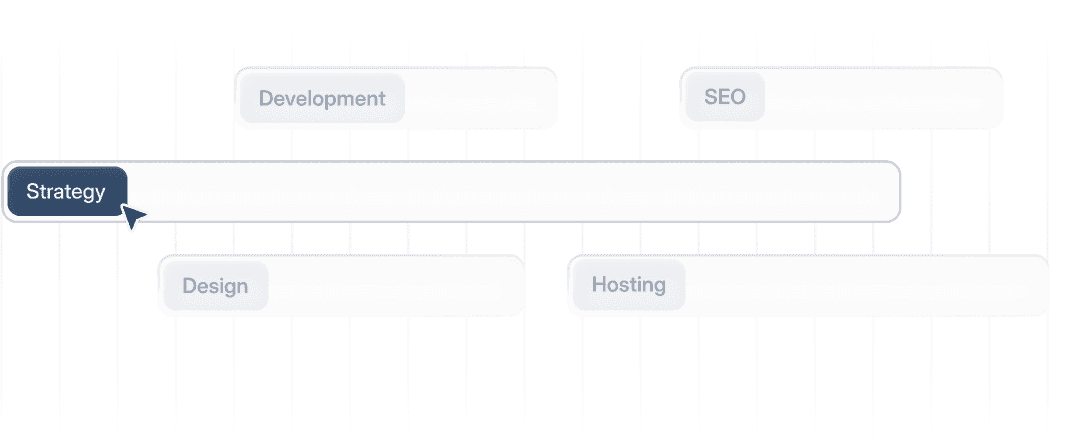
Strategy · Design · Development · Hosting · SEO. One team, one process.
Fast loading times.
Modern image formats, local fonts and lean code.
GDPR compliant.
Local fonts, cookie consent and privacy-friendly tools.

On-page SEO included.
Clean structure, meta data and readable URLs from launch.
Custom-built.
Structure, components and animations are made for your project, not taken from a theme.

Built to grow.
Your website grows with your requirements: new content and features can be added at any time.
Easy to edit.
Full CMS handover from day one, so your team can manage content independently.
Well connected.
We connect your CRM, newsletter, booking tools or automations via integrations.
Process
From user goals
to handover.
Five phases, clear approvals, one dedicated project lead. Here is the overview. How each phase works in detail is on our process page.
01
Start
User goals
Clarify target groups, tasks and constraints.
02
Structure
Wireframes
Site tree, navigation and core flows as wireframes.
03
Design
Key screens
First the most important screens, fully designed.
04
System
All pages
All pages, states and edge cases built from reusable components.
05
Handover
Review
Flows tested, accessibility checked, design system documented.
How we deliver
What you get to see
in every phase.
No black box. At every step we show you real interim results, and you approve before we move on.

Target groups, tasks and constraints.
Why we do it this way
Your knowledge of customers and sales is worth its weight in gold here.
What you see
✓Your approval
Site tree and core flows as wireframes.
Why we do it this way
You see early how visitors are meant to move.
What you see
✓Your approval
The key screens, fully designed.
Why we do it this way
Feedback at every milestone.
What you see
✓Your approval
All pages from reusable components.
Why we do it this way
This saves development time and keeps everything consistent as the site grows.
What you see
✓Your approval
Flows tested, WCAG checked, documented.
Why we do it this way
Development can start right away, ideally with us.
What you see
✓Your approval
Step 01Onboarding and user goals
Case: netconnection
01 / 05
Client Testimonials
What clients say about our design and collaboration.
Over 140 projects.
Branding, web design and development for more than 250 clients in the DACH region and worldwide.

4.9-star average.
150 public reviews on Google, Trustpilot, and Sortlist from companies across the DACH region and around the world.

Marvin Nitschke
CEO, Selobia GmbH
DE


"Branding and corporate identity at the highest level. The team obsesses over every detail until everything is just right—they don't just execute ideas, they critically refine them. The communication, speed, and quality are unlike anything I've experienced before. An absolute recommendation."

Dr. Clemens Striebing
Fraunhofer IAO
DE
"Webwavers took our brand identity to the next level and delivered the website without a single revision loop. The process was professional and structured, and the communication was top-notch throughout. Highly recommended."

Alexandra Wassenhoven
CEO, Wassenhoven UG
DE
"From our very first conversation, it was clear that they think strategically. Our brand and website were completely overhauled—and the results speak for themselves. Potential clients understand exactly who we are right away."

Fabian Herrmann
Marketing, BMI Lab AG
CH
"Webwavers managed to distill our complex consulting services into a sharp visual identity. Our presence now feels immediately professional and on par with our clients. The collaboration was structured, efficient, and we had the same point of contact throughout."

Zeljko Branovic
CEO, FischerAppelt AG
DE
"Strong ideas, clear execution, and a result that is truly convincing. Webwavers understands what an agency at our level needs. I look forward to the next project."

Nawid Rafiq
CEO, HausVertrauen
DE
"Finally, a presence that radiates the trust we promise our customers every day. The branding and website integrate perfectly — the result clearly exceeded our expectations."

Vikar Ahmed
CEO, AV Gems
DE
"20 years of craftsmanship deserve a brand that makes that visible. Our rebranding and website now perfectly reflect what we stand for — timeless, precise, and with a strength that doesn't need to be loud."

Marius Gotta
CEO, Atoria Immobilien GmbH
DE
"If you want to attract premium clients in the real estate market, you need a presence that communicates that immediately. That is exactly what Webwavers delivered — visually striking, strategically sound, and of a quality that speaks for itself."

Marvin Trick
CEO, Dualis53 GmbH
DE
"The team genuinely understands what it means to develop a site that is easy to maintain afterwards. Very satisfied — would do it again without hesitation."

Claire F.
Marketing, Lenti Aviation GmbH
DE
"A brand that immediately speaks to the right audience—calm, exclusive, and at the level of our clients from the very first glance. The result completely convinced us."
Numbers and awards
Proven, not just claimed.
Reviews, awards, and partner statuses that you can verify at any time.
Clients
250+
Companies from the DACH region and around the world trust Webwavers.
Projects
140+
completed projects in branding, web design, and development.
Reviews
★★★★★4.9



Average from 150 public reviews on Google, Trustpilot and Sortlist.
Google
4.9 · 97
4.8 · 128
Trustpilot
4.4 · 33
Sortlist
4.9 · 20
Awards
8
Awards and accolades, including the German Design Award 2026 and German Brand Award 2026.






Webflow

1 of 7
Webflow Premium Partners in Germany.
All awards
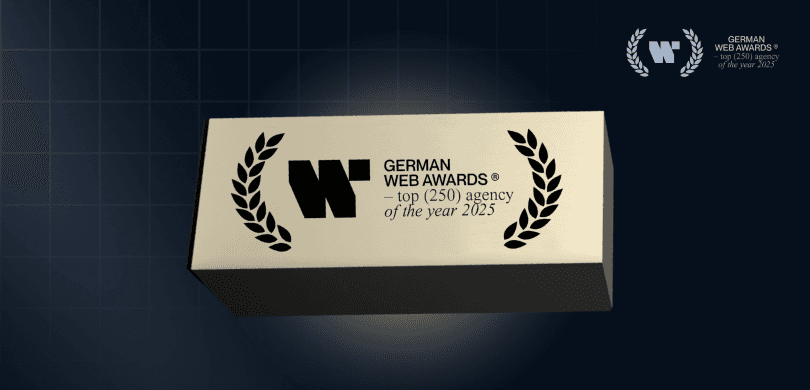
To the awards pageGerman Design Award 2026Excellent Communications Design – WebProject: Seconds for BMI Lab AG/ 2026German Brand Award 2026Excellence in Brand Strategy and Creation, Winner levelProject: Dualis53/ 2026German Web Award 2025Web Design & Development, Top 250 Agency of the Year3 awards/ 2025
German Customer Award 2025One of the 500 most customer-friendly companiesCustomer satisfaction/ 2025
AwwwardsNominee, international juryProject: Seconds/ NomineeWebflow Premium PartnerOne of 7 agencies in GermanyPartner status/ Since 2024Framer ExpertVerified Framer ExpertPartner status/ Since 2025Sortlist Top-RatedTop ratings on SortlistReview platform/ 4.9 / 5Industries
UX/UI design for your industry.
Whether it's a SaaS product, industrial, or research-based: we know the users in your industry. On each industry page, you will find relevant case studies, typical challenges, and our approach.
Guides and videos
Knowledge about UX and user guidance.
Practical insights from our projects: how to structure your pages, why forms should be shorter, and what accessibility means for your website.
Web Design
Strategy
Inquiry forms: Why fewer fields lead to more inquiries
Read more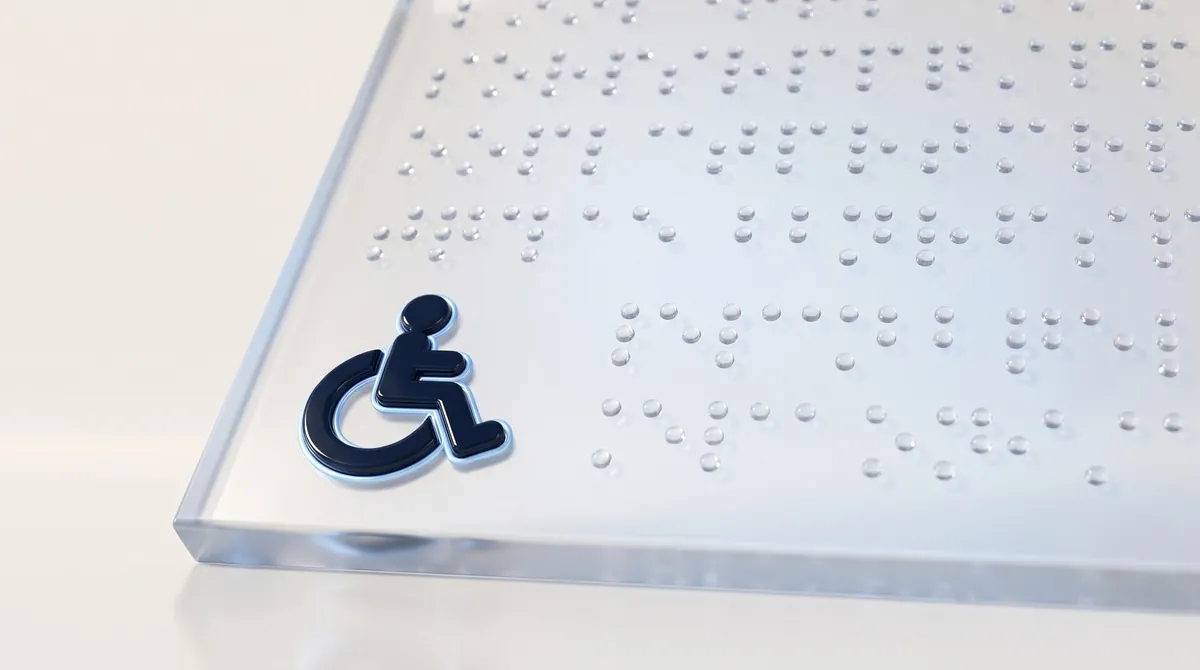
Guide
BFSG: What accessibility requirements mean for your website
Read moreExplained in the video
All videos
Questions and answers
Frequently asked questions about UX/UI design.
What is the difference between UX and UI design?
UX (User Experience) describes how easily visitors can find their way around: structure, navigation, and clarity. UI (User Interface) is the visible surface, including colors, typography, and components. We combine both because a beautiful interface doesn't work without clear navigation.
Do you only design websites, or do you also work on web apps and portals?
Both. In addition to corporate websites, we design portals, customer dashboards, and web apps. The process is the same: first user journeys, then the interface, then the design system.
Do you conduct user testing?
If the project requires it, yes—for example, through interviews or prototype testing. In many cases, existing data, your knowledge of your customers, and a clickable prototype are enough to validate decisions.
What tool do you use?
We design in Figma. That is where wireframes, prototypes, and the design system are built, and you can view and comment on the progress at any time.
Will I get a design system?
Yes. Components, variants, and states are created and documented in Figma. This ensures your brand presence remains consistent, even as you add new pages later on.
Do you take accessibility into account?
Yes. We check contrasts, font sizes, focus, and keyboard navigation according to WCAG. This helps all users and is mandatory for many companies anyway due to the European Accessibility Act.
Do you also handle the technical implementation of the design?
Yes. We handle the implementation in Webflow, Framer, or WordPress within the same team so that nothing is lost between design and code. If you have your own development team, they will receive a clean handoff.
What happens if I don’t like the first screens?
Then tell us right away. We show you flows and key screens early, before we work out every page. Every milestone has its own feedback round where we refine.
Start a project
What is your primary goal?
Select your goal and start your inquiry. UX/UI design is already selected; the rest takes just about a minute.
Submit a written requestSelect your goal and budget right here. Contact details and further information will follow in the next step.Start right hereBook an appointmentPrefer to talk directly? Choose an available slot for an introductory call.Go to calendar
Response within 24 hours100% no-obligationInitial price estimate
01More inquiries & leadsTurn visitors into customers02Attract premium clientsPresent yourself and sell at a higher level03Reposition your brandClearly communicate what you stand for04Trust & credibilityMake a professional impression at first glance05Increase online visibilityGet found on Google and in AI searches06Something elseTell us about it in the final step
UX/UI Design Guide
UX design agency for companies that want clarity.
The most important points at a glance: what UX/UI design entails, how we work, and what you should look for when choosing an agency.
What determines the scope of a UX/UI project
The amount of work involved in a UX/UI project depends less on the number of pages and more on the workflows behind them. These factors determine the scope.
What influences the scope
Pages and page types
A compact corporate site requires fewer templates than a site with many service, industry, or product pages.
Core workflows
Inquiries, bookings, logins, or checkouts: every process requires its own workflows, states, and error messages.
Research and testing
Are existing data and your knowledge of your customers sufficient, or are interviews and prototype testing required?
States and devices
Hover states, focus states, empty states, and error handling, fully designed for desktop, tablet, and smartphone.
Design system
How many components, variants, and tokens does your site need to ensure it can scale cleanly in the future?
Languages and accessibility
Multiple languages and the requirements of the European Accessibility Act (EAA) impact structure, copy, and the effort required for testing.
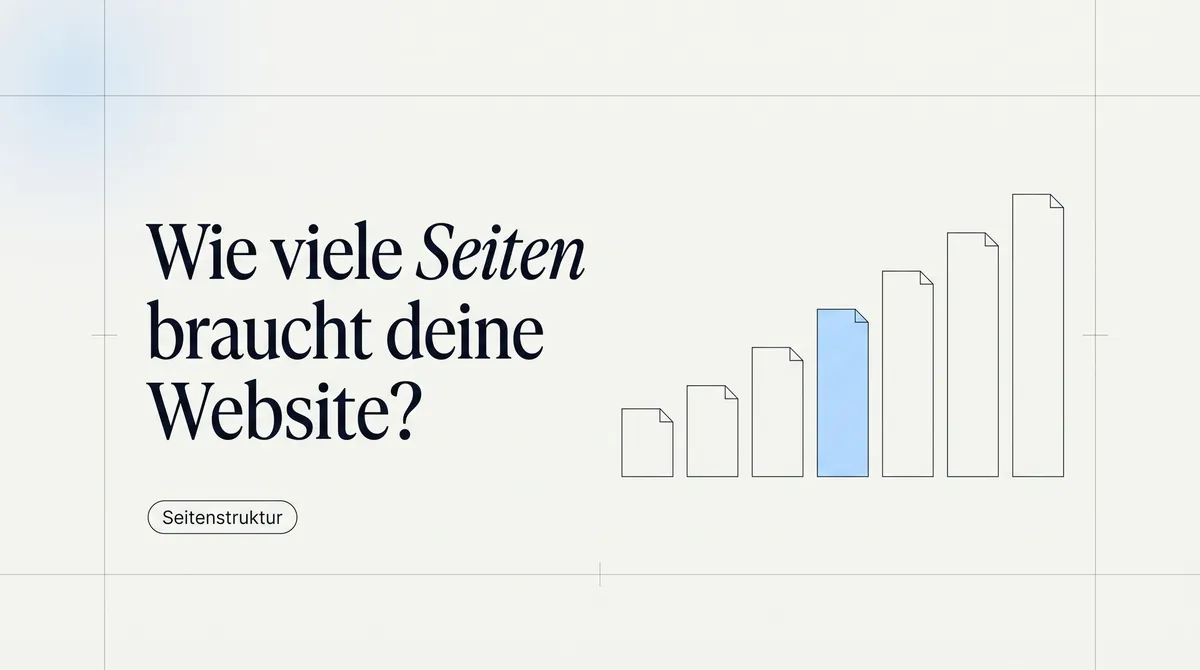
After the first call you get a transparent quote with a fixed scope and no hidden items. It also sets out the payment terms, matched to your project. How the scope of a website is measured is explained in the article How many pages does a company website need?.
Do I also need UX design for a corporate website?
Yes. Every website has users with tasks: understanding services, building trust, and getting in touch. For corporate websites, we integrate UX into our web design process. Dedicated UX phases involving prototypes and testing are particularly worthwhile for sites with extensive content, booking systems, portals, and web apps.
What happens after the handover?
The design system and screens are handed over to development with full documentation—ideally to our own team. If you want to continue improving paths, forms, and content afterward, our growth packages for conversion, SEO, GEO, and maintenance are here to help.
Our UX/UI design process
Every project follows the same proven process. You will always know where we stand, what comes next, and when your input is needed.
Understand
Initial consultation
A no-obligation conversation with no sales pressure. We’ll see where you stand, what your users want to achieve, and if we’re a good fit.
Onboarding and kickoff
User goals, expectations, use cases, and constraints. You will meet your dedicated project manager.
Strategy and user insights
Before designing screens, we define the intent: target audiences, tasks, and decision paths. If research is part of the scope, it starts here.
Structure
Information architecture
We structure the journey through the website or product and develop three distinct navigation approaches, each with a clear rationale.
Wireframes and user flows
We define content, sequence, and hierarchy for core workflows using simple wireframes.
Clickable prototype
We walk through key workflows like inquiries, bookings, or logins as a prototype before final design begins.
Initial key screens
The most important screens are fully designed. They show you how the interface works before we expand to every page.
Interface
Interface expansion
All pages, states, and edge cases follow a cohesive system rather than isolated screens.
Design system
Components, variants, and tokens for color, spacing, and typography, neatly documented in Figma.
Handover
Testing and accessibility
Every flow is tested. We check contrasts, focus, and keyboard accessibility according to WCAG standards.
Handoff to development
The handoff is documented so that development can start immediately. Upon request, we can handle the implementation ourselves in Webflow, Framer, or WordPress.
You can find all the details on our Process and How we work in UX/UI design pages.
How much time do I need to invest myself?
We keep your involvement to a minimum. You are included at the critical stages: onboarding, approval of user flows and key screens, and final feedback. We take care of the rest.
How long does a UX/UI project take?
As part of a website project, UX/UI runs within the overall timeline, which is usually around 3 months. For portals or web apps the duration depends more on the flows. We set the timeline together at the start, with clear milestones.
UX or UI: What do you need?
The terms are often used interchangeably. UX describes how easily visitors can navigate, while UI refers to the visible interface. The best results are achieved when both are planned together.
UX design
The focus is on when
- visitors cannot find what they are looking for
- users abandon inquiries or bookings along the way
- your offering is complex or requires explanation
- a portal or web app is being created from scratch
UI design
Focus on this if
- your presence no longer matches your brand
- pages look inconsistent
- new pages are created without a design system
- States like focus or errors are missing
For us, the two go hand in hand: first the paths, then the interface, and finally a design system in Figma. If desired, we can handle the implementation with the same team; learn more under web development.
Do you also design web apps and portals?
Yes. In addition to corporate websites, we design portals, customer areas, and web apps. The process is the same: first user journeys, then the interface, then the design system.
What makes for good UX/UI design
Good UX/UI design is barely noticeable. Visitors immediately understand where they are, what they can do, and what happens next. These five points make the difference.
Orientation
Clear navigation, unambiguous labeling, and visible paths. No one should have to guess what comes next.
Consistency
Consistent elements behave the same way everywhere. A design system ensures this, even as the site grows.
Accessibility
High contrast, readable fonts, keyboard navigation, and labels for screen readers. For many companies, this is mandatory anyway due to the BFSG.
Performance
Fast loading times and functional motion. No effects that just waste the visitor's time.
Conversion
Short forms, clear calls to action, and trust signals exactly where decisions are made.
Learn how good user guidance leads to more inquiries and what the BFSG requires in our sections on conversion optimization and accessibility under the BFSG. Our industry pages show what this looks like for manufacturing, consulting, IT, or real estate.
How to identify a great UX design agency
Before you make a decision, it's worth considering a few points:
- Proven case studies, ideally involving complex content or workflows
- A process that starts with user goals, not colors
- Wireframes and prototypes before final design begins
- Public reviews and independent awards
- A clean handoff to development, ideally within the same team
Read more about this in our guide How to identify a good B2B web design agency.
Checklist: How to prepare for your UX/UI project
The better the preparation, the faster and more accurate the result. These points will help you before our initial consultation:
- Goal: What should visitors do on your site? Inquire, book, or get information?
- Target audiences: Who uses your site, and what questions do they have?
- Core workflows: Which two or three paths are most important for your business?
- Data: Analytics, feedback from sales and support, common customer questions
- Existing assets: Logo, colors, fonts, current screens, or a design system
- Scope: Website, portal, or web app? Which pages, languages, and features?
- Implementation: Who will handle development? Us, your own team, or an existing platform?
- Decision-makers: Who approves designs and is involved in the project?
Don't worry, you don't need to have everything ready. We'll sort out the rest together during onboarding.
UX/UI Design from Günzburg and Munich
Our offices are in Günzburg and Munich. We work for companies in Bavaria, the DACH region, and beyond—either on-site or remotely—always with a dedicated contact person and your own Slack channel.
Want to know if we’re a good fit for your project? Briefly introduce your project and we will get in touch personally.