Corporate website: structure, page hierarchy and mandatory pages


Key takeaways
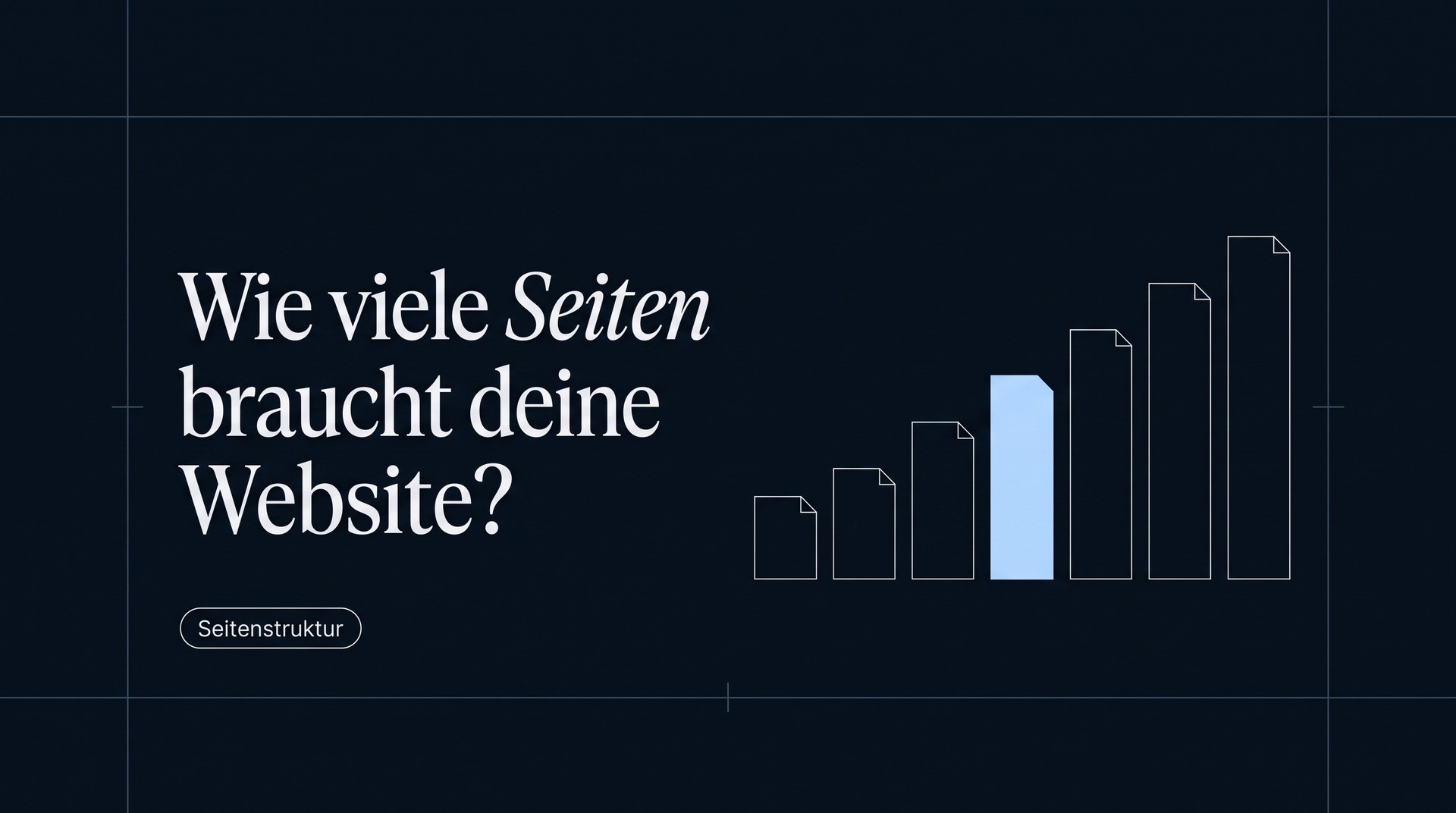
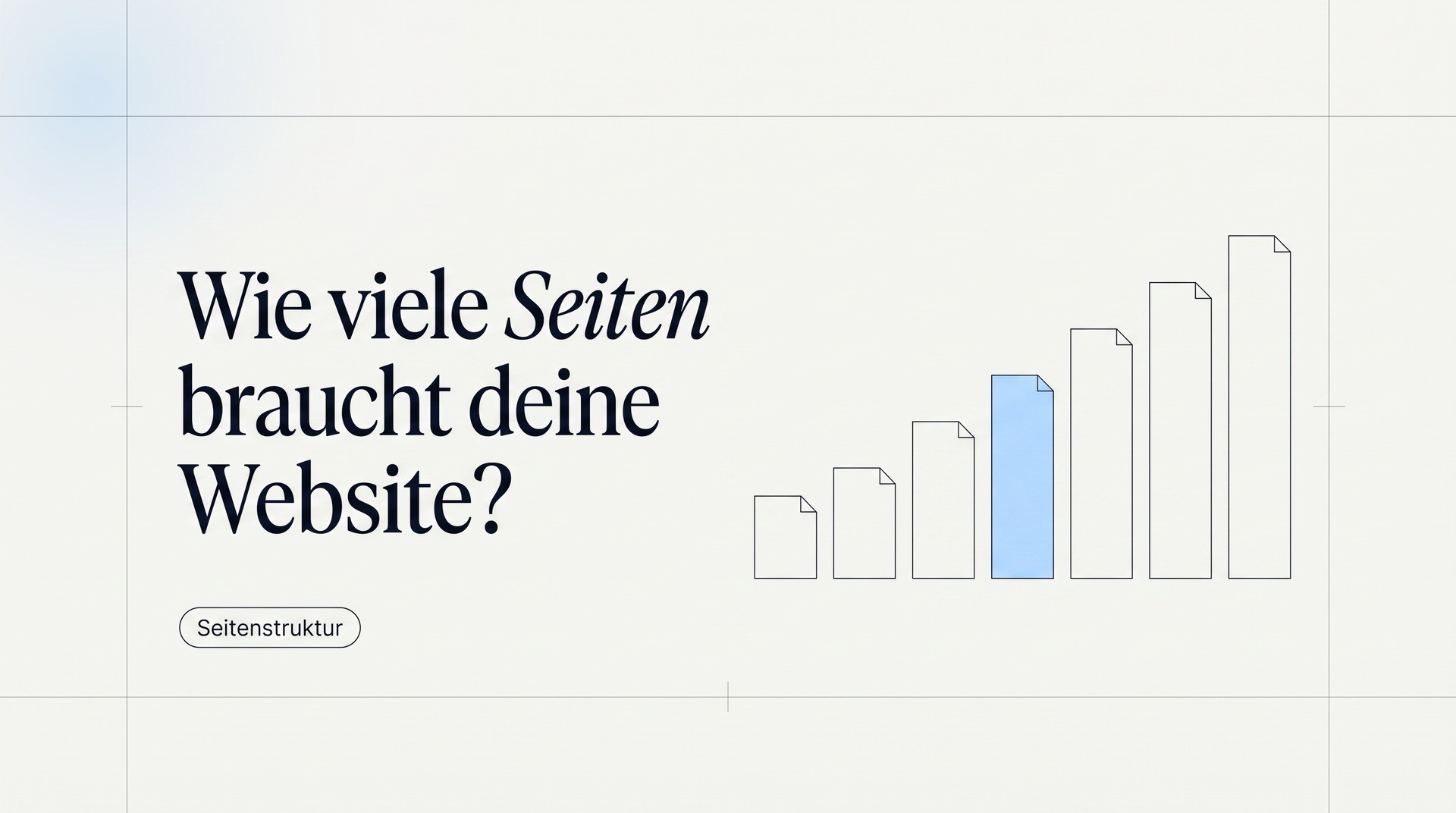
- A corporate website needs six page types. Everything beyond that is expansion, not foundation.
- The order of the homepage decides more about inquiries than any single element on it.
- A legal notice and privacy policy are mandatory, and accessibility is becoming mandatory for many companies right now.
- Service pages are the difference between a digital business card and a website that brings in inquiries.
The six page types a corporate website needs
Homepage. In the first three seconds, it answers: What do you do, for whom, and why you? It is not an overview of the company but a switch point.
Service pages. One per offer, not one for everything. This is the most important point and the one where most people cut corners.
Case studies or projects. Proof instead of claims. Two detailed cases have a stronger effect than twenty logos.
About us. In B2B, one of the most visited pages, because people want to know who they will be dealing with.
Contact. More than a form: contact persons, availability, what happens after submitting.
Legal. Legal notice and privacy policy, both reachable from every page.
Blog, careers, FAQ and glossary make sense, but they are expansion. Without the six above, none of them work.
The test for the homepage
Homepage. In the first three seconds, it answers: What do you do, for whom, and why you? It is not an overview of the company but a switch point.
Service pages. One per offer, not one for everything. This is the most important point and the one where most people cut corners.
Case studies or projects. Proof instead of claims. Two detailed cases have a stronger effect than twenty logos.
About us. In B2B, one of the most visited pages, because people want to know who they will be dealing with.
Contact. More than a form: contact persons, availability, what happens after submitting.
Legal. Legal notice and privacy policy, both reachable from every page.
Blog, careers, FAQ and glossary make sense, but they are expansion. Without the six above, none of them work.
The order on the homepage
The order decides more than the design does. A sequence that holds up in practice:
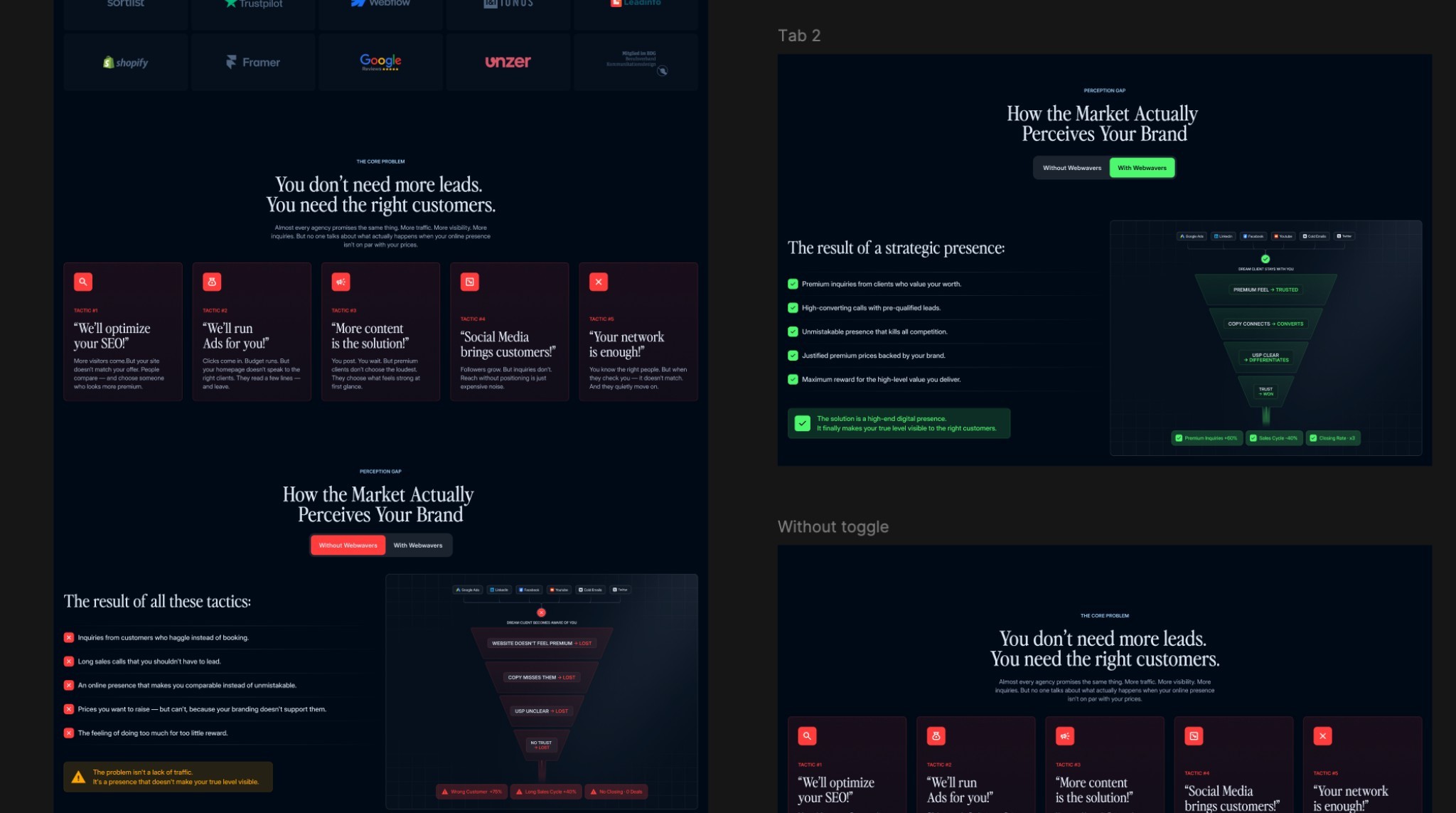
1. What and for whom. One sentence that is understandable without prior knowledge. No metaphor, no claim, a statement.
2. The problem. The visitor should recognize themselves before they read about you.
3. The services. Three to five, each with one sentence and a link to its own page.
4. The proof. Case studies, numbers, awards, logos.
5. The process. What working together looks like. It removes uncertainty before the first contact.
6. The team or the founder. A face.
7. The call to action. Once, clearly, with no alternatives next to it.
The most common mistake is starting with the company instead of the visitor. On the market since 1998 is a piece of information, not an opening.
Why service pages make the difference
A website with one services page and a list on it can't do three things: rank for the search terms people use to look for the individual service, explain that service in detail, and provide proof that fits exactly this service.
A dedicated page per offer solves all three points. It answers: What exactly is it? Who is it for? How does it work? Roughly what does it cost? Who has already received it? What is the next step?
That is also why generative systems prefer to cite service pages: they answer a specific question in one place instead of spreading it across the website.
Rule of thumb: if you can write a proposal for a service, it deserves a page.
The mandatory pages and what goes on them
Legal notice (Impressum). Mandatory for business websites under § 5 DDG: full name and address, legal form, authorized representatives, contact details including email, register entry, VAT identification number, and for regulated professions the professional chamber.
Privacy policy. Under Art. 13 GDPR: which data is processed for what purpose, on what legal basis, for how long, who it is passed on to and what rights data subjects have. It has to match what the site actually does. A template that lists services you don't use is just as wrong as one that leaves some out.
Accessibility. The German Accessibility Strengthening Act has been in force since June 2025. It doesn't apply to every website, but to more than most people assume.
Both mandatory pages belong in the footer and therefore on every subpage. For the legal review of an individual case, a specialist lawyer is the right contact. This article is not legal advice.
How the pages should connect
A website is not a stack of pages but a network of paths. Three rules keep it in order.
Every page can be reached in no more than three clicks from the homepage. Anything deeper is rarely found, by people or by search engines.
Every service page links to at least one matching case study and vice versa. This is the most effective internal linking there is, and it costs nothing.
Every content page has exactly one next step. Not three equal buttons, but one obvious one.
Add to that one point that is often forgotten: the navigation should use your customers' terms, not the company's. Solutions is an internal word. What we do is something everyone understands.
What you can leave out at the start
Not every common page deserves the effort.
A blog without an editorial plan is worse than no blog. Three posts from last year look like an abandoned project.
A news page for announcements nobody outside the company cares about costs maintenance time with nothing in return.
A careers page without open positions: one sentence on the About us page is enough until you are actually hiring.
An FAQ page as a dumping ground for everything missing from the service pages. Questions belong where they come up.
The better order: first make the six core pages really good, then expand. A website with six convincing pages beats one with thirty mediocre ones, with visitors and in search.


More articles