SEO & Visibility
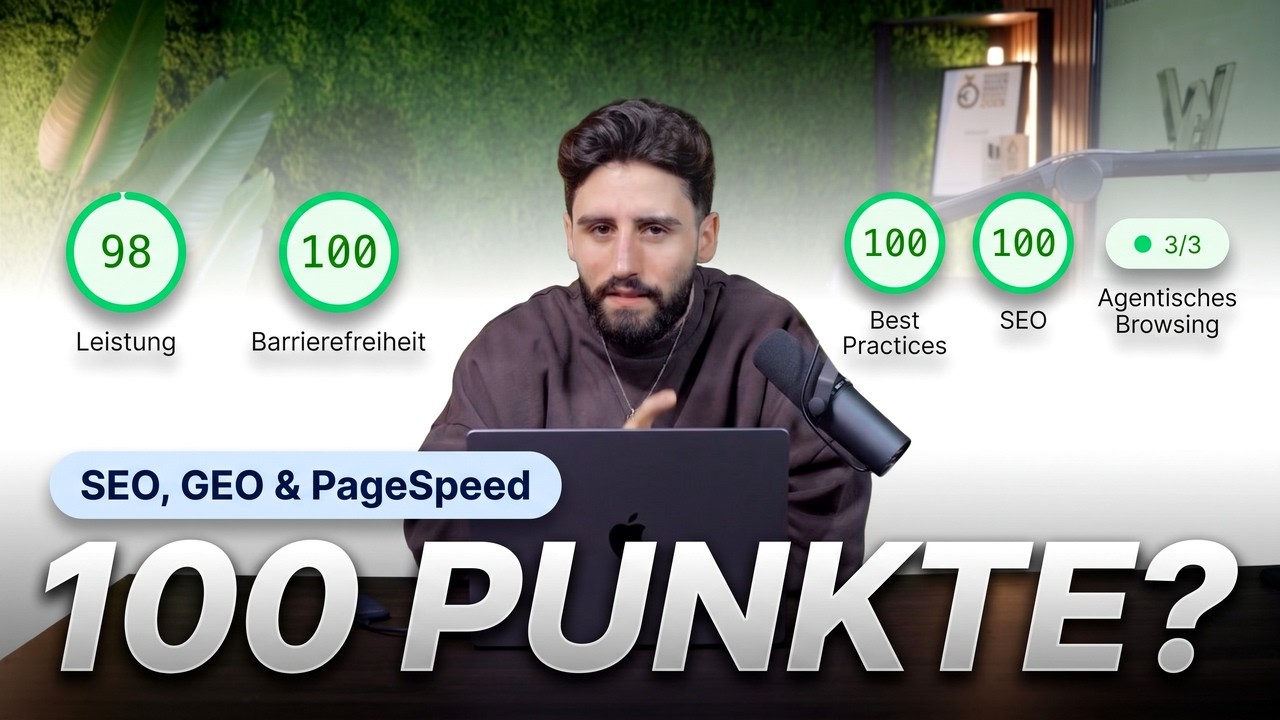
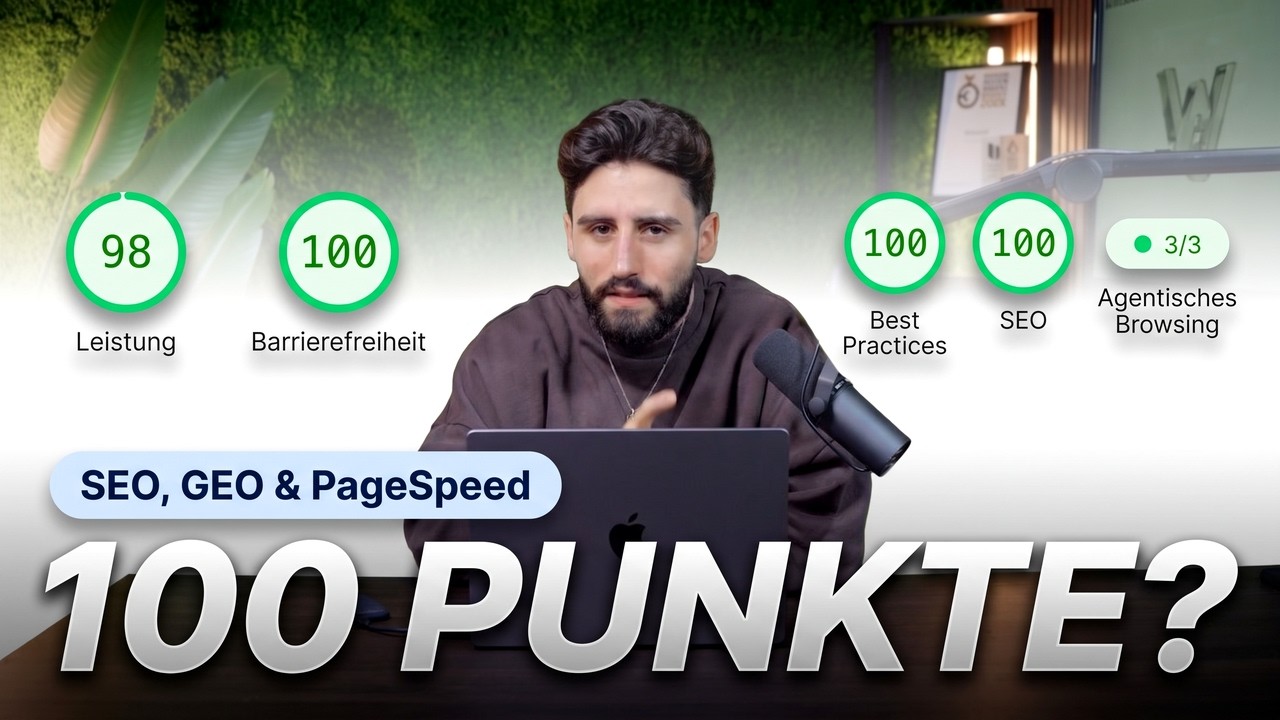
A fast website despite videos: PageSpeed above 95 and visible in AI search
Key takeaways
- Videos and animations don't rule out a good PageSpeed score
- Images, videos, fonts, scripts, layout and hosting are the six levers
- For AI search, real answers, clear definitions and trust signals count
- Structured data, FAQs and clean internal links connect both
Our new website has more than 50 subpages, videos in almost every section, animations, a light and dark mode and even sound. Still, it scores 98 out of 100 on desktop in PageSpeed Insights. In this guide, we show you which levers make that possible and why speed alone is no longer enough today: your website also has to be found by ChatGPT, Perplexity and Google's AI answers. We show everything using Webflow as an example, but most of it works just the same with WordPress. You'll find the full video further down.
Why speed and AI visibility belong together
A slow website costs you visitors before they've even seen anything from you. At the same time, more and more people don't just search on Google anymore, they ask an AI. The two topics are more closely connected than they seem: a page that is cleanly built, loads fast and is clearly structured is easy to read for people and machines alike. That's why we split the topic into two parts: first performance, then visibility in AI search.
Part 1: Six levers for a PageSpeed score above 95
PageSpeed Insights rates how fast your page loads and how stable it stays while doing so. The Core Web Vitals matter most. These six levers have the biggest impact.
1. Images: modern format, right size, lazy loading
On most websites, images are the biggest chunk. Use modern formats like WebP or AVIF and load each image at the size it's actually displayed. An image that appears narrow on screen doesn't need to be loaded at full width. Images further down the page get lazy loading so they only load when someone scrolls there. The exception is the hero: the first large image should load immediately, otherwise your Largest Contentful Paint gets worse.
2. Videos: compress, load later, poster image
Videos don't have to kill your PageSpeed. Compress them thoroughly, load them only when they're needed, and give them a poster image. That way the visitor immediately sees a still image while the video loads in the background. That's exactly how videos can run in almost every section of our website without hurting load time.
3. Fonts: few weights, WOFF2, preload
Every additional font weight is another file. Limit yourself to the weights you really need, use the WOFF2 format and preload the most important font. Then text appears faster and doesn't jump to a different font afterwards.
4. Clean out third-party scripts
Tracking, chat widgets, maps, old tests: over the years, many websites accumulate scripts that nobody needs anymore. Each one costs load time. Go through the list and remove everything that no longer has a clear purpose. Whatever has to stay should load as late as possible.
5. Avoid layout shifts
You know that moment when you're about to tap a button and the page shifts at the last second? That's what the CLS metric measures. You can avoid these jumps by giving images, videos and embedded elements their fixed space from the start, for example via width and height or a fixed aspect ratio.
6. Hosting and caching
The best optimization doesn't help much if the server responds slowly. Good hosting with a CDN and sensible caching makes sure your page is delivered fast everywhere. With Webflow, this is already built in. With WordPress, it's worth taking a close look at your host and caching plugin.
You can read how we build websites technically so they're fast from the start on our Web Development page.
Part 2: GEO, so AI can find you
GEO stands for Generative Engine Optimization. It covers everything that makes AI systems like ChatGPT, Perplexity or Google's AI answers know your website, understand it and mention it in their answers. The good news: much of it is solid craftsmanship that also helps classic SEO. We implemented these building blocks on our own website.
Industry pages only with real case studies
Creating a page for every conceivable industry doesn't do much if there's nothing behind it. Only create industry pages where you can show real projects. You can see what that looks like in our overview of Industries.
Guides that answer specific questions
AI systems look for answers. Guides like this one answer exactly the questions your customers ask, clearly and directly. The more specific the question, the easier it is to quote the answer.
A glossary with short definitions
Short, clear definitions are especially useful for AI systems. A glossary explains the technical terms of your industry in a few sentences and links them to each other. Our Glossary is built exactly like that.
Blog and press as trust signals
An active blog and press coverage show that there's a real company behind the website with something to say. These trust signals count for people and machines.
Pages for the questions right before a purchase
Shortly before someone makes a decision, they search very specifically: for costs, for processes, for comparisons. Your website should have its own honest answer to exactly these questions.
City pages only where you really are
Pages for cities where you're neither based nor working quickly feel interchangeable. Only create location pages where you're actually on site or serve clients.
Structured data, FAQs and internal linking
Finally, the technology that holds it all together: Structured data tells machines what a page is about. FAQs provide short, clear answers. And clean internal linking shows how your content fits together. You can find more about how we implement this for clients on our GEO page.
The video for this guide
In the video, we show you both parts directly on our own website in Webflow, from the PageSpeed test to the pages built for AI search.
Want your website to load fast and show up in AI search, but don't want to do it all yourself? See how we work on SEO and GEO, or request your project directly. If a relaunch is coming up, our guide to website relaunches will help, and you'll find even more videos on our YouTube page.
FAQ
Can you get a good PageSpeed score with lots of videos?
Yes. If videos are compressed, only load when needed and have a poster image, they barely slow the page down. Our website has videos in almost every section and still scores 98 out of 100 on desktop.
Which lever has the biggest impact on PageSpeed?
That depends on the page. On most websites, images and third-party scripts are the biggest brakes. PageSpeed Insights shows you where the biggest potential lies for your page.
What is GEO?
GEO stands for Generative Engine Optimization. It's about making AI systems like ChatGPT, Perplexity or Google's AI answers understand your website and mention it in their answers.
Does GEO replace classic SEO?
No. Much of it builds on each other: a fast, well-structured website with clear answers helps on Google just as much as in AI search.
Does this work with WordPress too?
Mostly, yes. We show everything in Webflow, but most of the levers can be implemented just the same in WordPress. The differences are mainly in hosting and caching.
More guides
All guides