Web Design
SaaS website: a hero that explains complex software instantly

Key takeaways
- Text, icons and a screenshot aren't enough in a SaaS hero
- Show the one moment when visitors understand the software
- Plan the sequence in Figma before you animate
- Lottie and a page load interaction are enough, no custom code needed
With complex software, the first visible area of your website decides whether someone stays or leaves. No login, no demo, just a few seconds. For our client syte, we built a hero designed to do exactly that. In this guide, we show you how we approached it, from the idea in Figma to the finished build in Webflow. You'll find the full video with every step further down.
The problem with SaaS websites
Many SaaS homepages follow the same pattern: a headline, three icons, a screenshot of the dashboard. The problem: to an outsider, a screenshot of complex software is just a screen full of numbers. Anyone who doesn't know the product yet won't understand what's happening there or why it helps them.
So text, icons and a screenshot show what the software looks like. But they don't explain what it does. Visitors have to piece it together themselves, and that's exactly where many of them drop off. The more the software can do, the bigger the problem gets, not smaller.
The starting point at syte
syte is an AI platform for land plots based in Münster. With it, project developers, housing companies, banks, real estate agents and planners can see for any address what is possible on a plot: development, renovation, energy and profitability. Behind it are several products, from plot search and potential analyses to profitability calculations and 3D designs directly on the real plot. In 2023, syte won the AI start-up prize at WELT's Deutscher KI-Preis.
So a lot of capability, and that's exactly what makes it hard. If you try to show every feature at once, you end up showing none of them properly. In the video, we put syte's old homepage right next to the new one so you can see the difference for yourself.
The idea: one moment instead of every feature
Instead of listing every feature, we looked for the one moment when visitors understand the software. For syte, that's the path from an address to a decision. That's exactly what the headline on syte's website says: “Know in seconds what's really possible at any address.”
The hero shows this path in three steps: Evaluate, Design, Scale. An address is searched, the plot appears on the map, the result becomes visible. Anyone who watches for a few seconds understands what it's about, without having to read a single paragraph.
You can ask yourself the same question about your own software: What is the shortest path from your customer's problem to their result? That path belongs in the hero. Everything else has its place further down the page.
Sequence first, then animation
The most important step happens before anything is animated. We planned the hero in Figma first: which state follows which, what moves and what stays still. Only once the story was in place did we move on to motion.
That saves rounds of revisions. If you animate straight away, you often only notice at the end that the sequence doesn't hold up, and then every change costs many times more. In Figma, you move a state in seconds. You can find out more about how we plan interfaces on our UX/UI Design page.
The hero in Webflow: layer by layer
The build follows the Client-First principle: section, container, wrapper. Each layer has a clear job, and the classes are named so that anyone on the team can find them later. That's not an end in itself. A hero that only its builder understands becomes a problem at the next update.
For the search field and the map, we use Lottie, each in a desktop and a mobile version. That keeps the animation sharp and lightweight, and it looks on every device the way it was planned in Figma.
Page load interaction without custom code
To make the hero play automatically on load, a page load interaction in Webflow controls the steps: with a delay between states, with the tabs Evaluate, Design and Scale, and with a loop so the story starts over again and again. No custom code is needed for this.
That has a practical advantage: whoever maintains the site later can adjust timing and steps directly in the Designer without touching a script. You can read how we build sequences like this on our Web Development page. And if your software needs its own animation, our Motion Design can help.
How to check your own SaaS hero
You don't have to rebuild everything right away to find out whether your hero works. A few simple tests are enough to start with:
- The five-second test: Show your homepage for five seconds to someone who doesn't know your product. Can they then say what your software does and who it's for?
- The no-text test: Cover the headline. Does the visual below still tell what it's about, or could it belong to anyone?
- The phone test: Open the page on your smartphone. Does the most important moment stay visible, or does it disappear under text and buttons?
- The sales test: Ask your sales team which sentence and which view they show first in every demo. That's often exactly what belongs in the hero.
If you hesitate on any of these tests, it's worth taking a close look at the first screen of your website.
What you can take away from the case
At the end of the video, we sum everything up in four rules for a good SaaS hero (from minute 10:33). In short, these are the points you can take away from the syte case:
- Don't explain every feature. Show the one moment when it clicks.
- Plan the sequence in Figma before you animate.
- Build with a clean Client-First structure so the hero stays maintainable.
- Keep the animation lean: Lottie and a page load interaction are enough.
The case study video
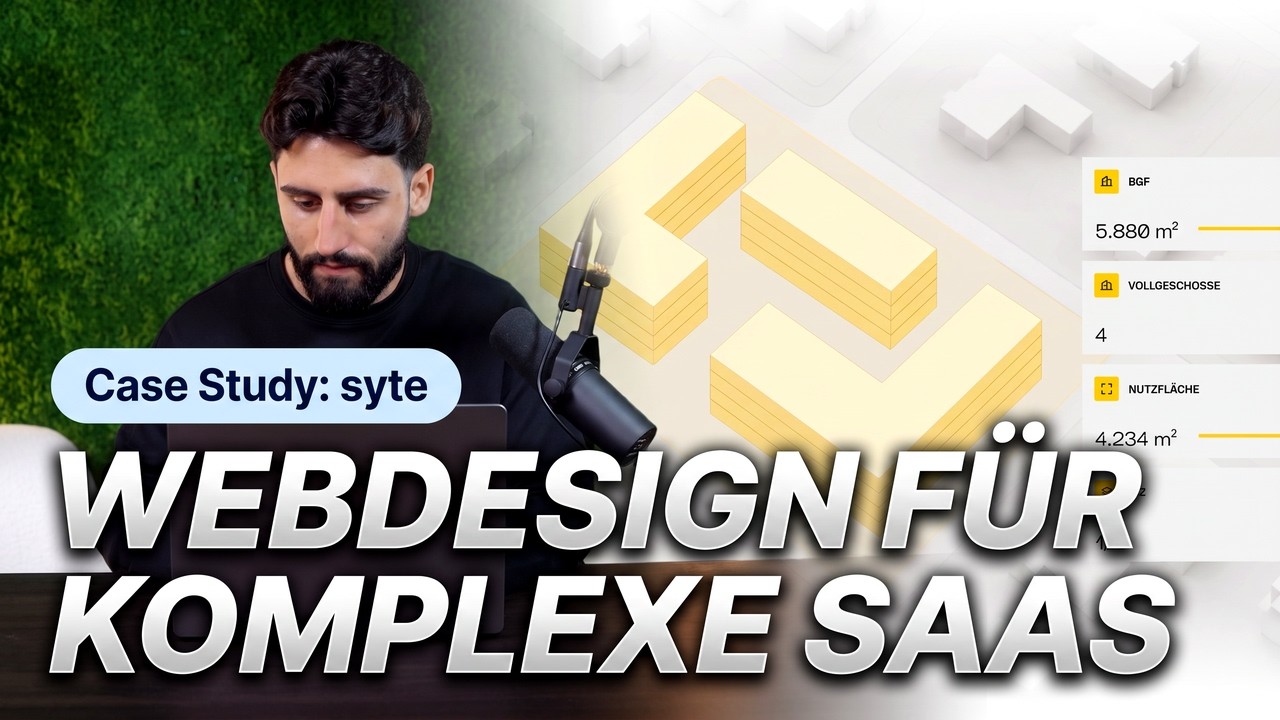
In the video, you'll see the old and the new homepage, the planning in Figma and the build in Webflow step by step.
Building a SaaS website and want visitors to understand your product instantly? See how we work for IT and SaaS companies, or request your project directly. By the way, you can read about our visit to syte at Expo Real on our blog. And how to tell a story with scroll animations is shown in our guide to the world map animation.
FAQ
Why isn't a screenshot enough in a SaaS hero?
Because to outsiders, a screenshot of complex software is just a screen full of data. It shows what the software looks like, but not what it solves for the visitor.
What is the “one moment” in the hero?
The instant when visitors understand what the software does for them. For syte, it's the path from an address to a decision, shown in the three steps Evaluate, Design and Scale.
Do you need custom code for a hero like this?
No. The syte hero runs on Lottie animations and a page load interaction in Webflow, with delay, tabs and loop, without any custom code.
Why plan in Figma first?
Because the order of states can be changed quickly in Figma. In the finished animation, every change takes much more time.
Does the hero work on mobile too?
Yes. The search field and the map have their own Lottie versions for desktop and mobile.
More guides
All guides