





Squarespace to Webflow Migration
From Squarespace to Webflow,more control for your design.
Squarespace looks good until you want something the template doesn't allow. In Webflow, you design without those limits. We handle the move, including content and redirects.





What it's about
Beautiful templates, tight limits.
Squarespace is popular with creatives and service providers because the templates look premium. As soon as the website needs to do more, such as custom content structures, special layouts, animations or a well-planned URL structure, the system hits its limits.
Webflow is the natural next step for anyone who cares about design. You keep the high design quality and get full control over layout, CMS and technical SEO on top.
What we handle in the move
Pages, blog posts, images, meta data and forms. We set up a redirect for every old URL so links and rankings are preserved.
Benefits
What you gain with Webflow.
01
Design without limits
Layouts no template allows, built pixel-perfect.
02
Custom CMS structures
Collections with fields that fit your content exactly.
03
Interactions
Premium animations that underline your brand.
04
Technical SEO
Full control over structure, meta data and schema.
Comparison
Squarespace and Webflow compared.
Two design-focused systems with very different levels of freedom.
Criterion
Value A
Value B
Process
How the move from Squarespace works.
Five steps to make sure your move succeeds.
Audit
We crawl your current website and record every URL, all content, rankings, backlinks and forms. That way we know exactly what needs to move and what can go.
Structure & concept
We reorganize content where it makes sense and plan the new page structure. Every old URL gets a clear destination.
Design & build
Your website is built in Webflow: custom design, CMS collections for blog, case studies or jobs, clean classes following Client-First.
Content transfer
Copy, images, meta data and alt texts are transferred in a structured way, blog articles and lists imported directly into the CMS.
Launch & SEO protection
301 redirects, sitemap, Search Console and tracking are live on launch day. After that, we keep a close eye on rankings and error pages.
Classification
An honest assessment.
The move is worth it if
- you need layouts or features your template can't handle
- your content needs its own structure
- animations and brand impact are becoming more important
Stay with Squarespace if
- the template is enough for you design-wise
- you run your small store comfortably with Squarespace Commerce

Our Guarantee
We are so confident in our work that we reduce your risk to zero.




If you are not completely convinced after seeing the mood boards and the first design sections, we will refund your deposit in full. This guarantee exists to eliminate your risk. It has never been redeemed.


Redeemed:
0 times. Across over 140 projects.
References
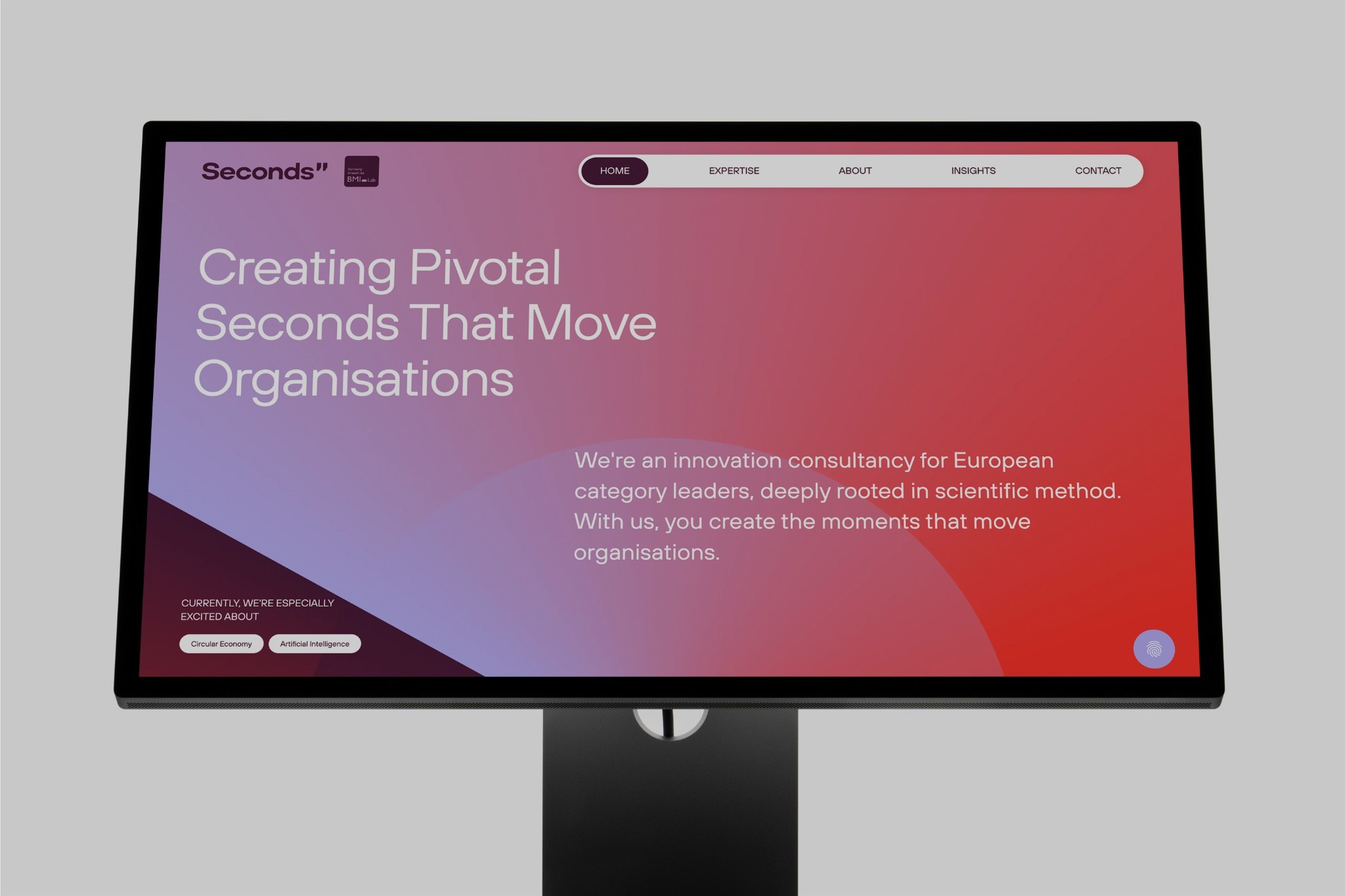
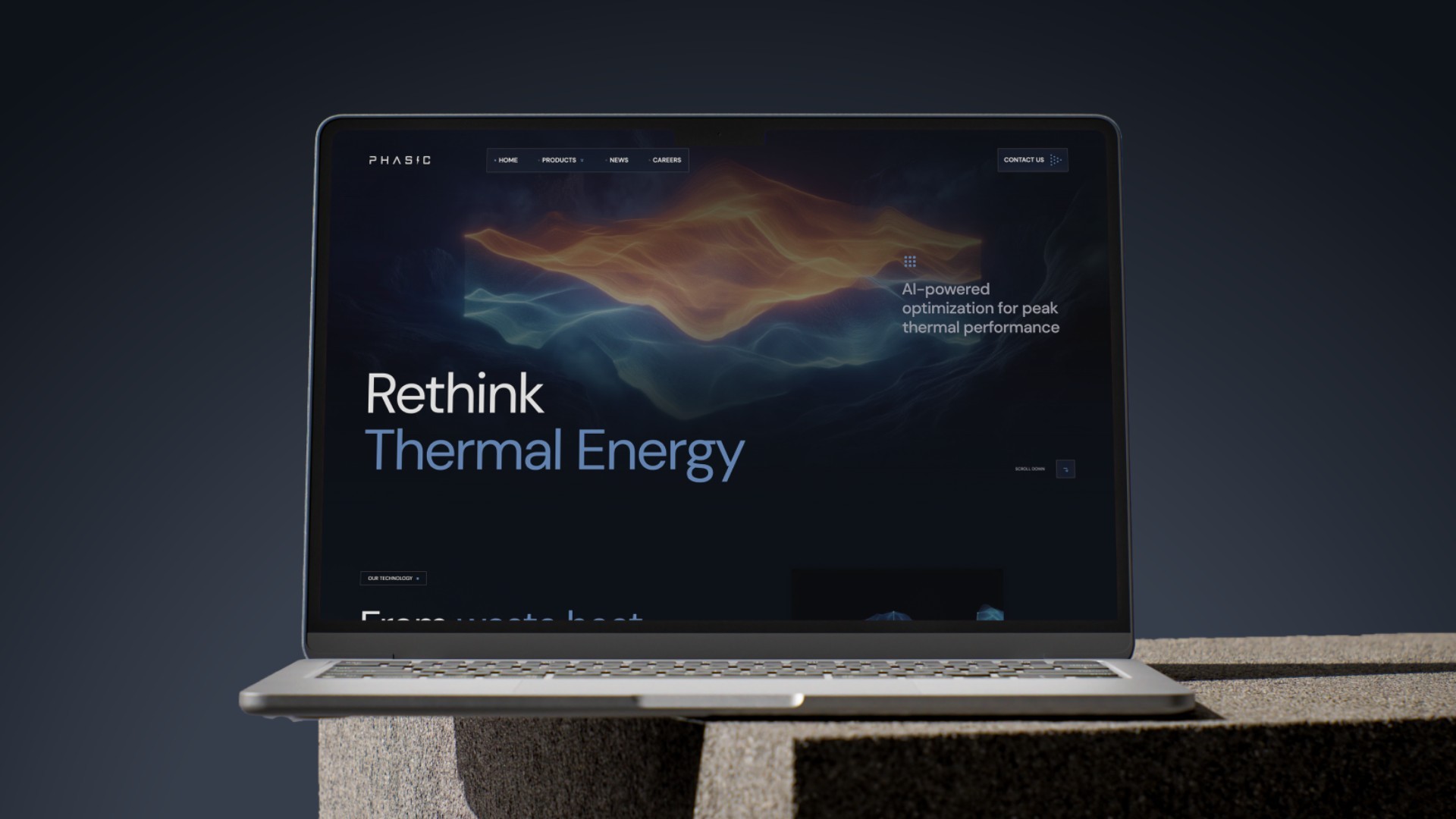
Websites we've built in Webflow.


FAQs
FAQs
Will I lose my Google rankings when moving from Squarespace to Webflow?
Not if the migration is planned properly. We carry over content and meta data, redirect every old URL to the matching new page via 301 redirect and check Search Console and error pages after launch. Short fluctuations are normal, the foundation stays intact.
How long does a migration take?
That mainly depends on the number of pages and the amount of content, and on whether we redesign. After the audit, you get a clear timeline with milestones.
What does the move cost?
The effort depends on scope, design and features. After a short initial consultation and a look at your current site, you get a transparent quote.
Can I maintain my website myself afterwards?
Yes. You edit copy, images and CMS content in the Webflow Editor right on the page. At handover, we walk you through everything in a short training session.
Can I export content from Squarespace?
Squarespace only offers a limited export. That's why we transfer all content in a structured way and check every page after the import.
Is Webflow harder to use than Squarespace?
Not for editing content. In the Webflow Editor, you change copy and images right on the page. We take care of the design.
Other platforms
Platforms & Migrations.
Read more: Design elements that look premium, Relaunch without losing rankings, Webflow design agency.

