





TYPO3 to Webflow Migration
From TYPO3 to Webflow,easier to maintain, faster to deliver.
TYPO3 is powerful but often cumbersome to maintain and develop further. We bring your website to Webflow, with a clear structure, a clean content move and protected rankings.





What it's about
Why companies are leaving TYPO3 behind.
In German-speaking countries, TYPO3 is especially common among mid-sized companies, associations and public institutions. It can do a lot but requires developer knowledge for templates, extensions and version upgrades. Major upgrades between main versions quickly become projects of their own.
That's why many teams want a website that marketing can maintain itself, without needing developers for every change. Webflow offers exactly that, with a visual editor, flexible CMS collections and hosting without a server of your own.
What matters in TYPO3 migrations
A thorough audit: page tree, content elements, multilingual content, files and organically grown URL structures. From that, we plan the new structure and every redirect.
Benefits
What you gain after the move.
01
Maintenance without developers
Your team edits copy, images and news in the editor itself.
02
No version upgrades
Webflow is developed centrally, with no big upgrade projects.
03
Modern design
A fresh presence without the limits of old templates.
04
Multilingual
Language versions with Webflow Localization, neatly in one place.
Comparison
TYPO3 and Webflow compared.
Two very different approaches to company websites.
Criterion
Value A
Value B
Process
How the move from TYPO3 works.
Structured, with a plan for every page and every language.
Audit
Fully record page tree, content elements, languages, files and rankings.
Structure & concept
New information architecture, CMS collections and a redirect plan for every old URL.
Design & build
New design and build in Webflow following Client-First.
Content transfer
Content, media and language versions transferred in a structured way and checked.
Launch & SEO protection
301 redirects, sitemap, Search Console and monitoring after go-live.
Classification
An honest assessment.
Switching is worth it if
- marketing should maintain the website itself
- a major TYPO3 upgrade is coming up
- the presence looks outdated and needs a redesign
TYPO3 still makes sense if
- you run a very large portal with many editorial teams and fine-grained permissions
- deep integrations into internal systems are built on TYPO3
- hosting on your own infrastructure is mandatory

Our Guarantee
We are so confident in our work that we reduce your risk to zero.




If you are not completely convinced after seeing the mood boards and the first design sections, we will refund your deposit in full. This guarantee exists to eliminate your risk. It has never been redeemed.


Redeemed:
0 times. Across over 140 projects.
References
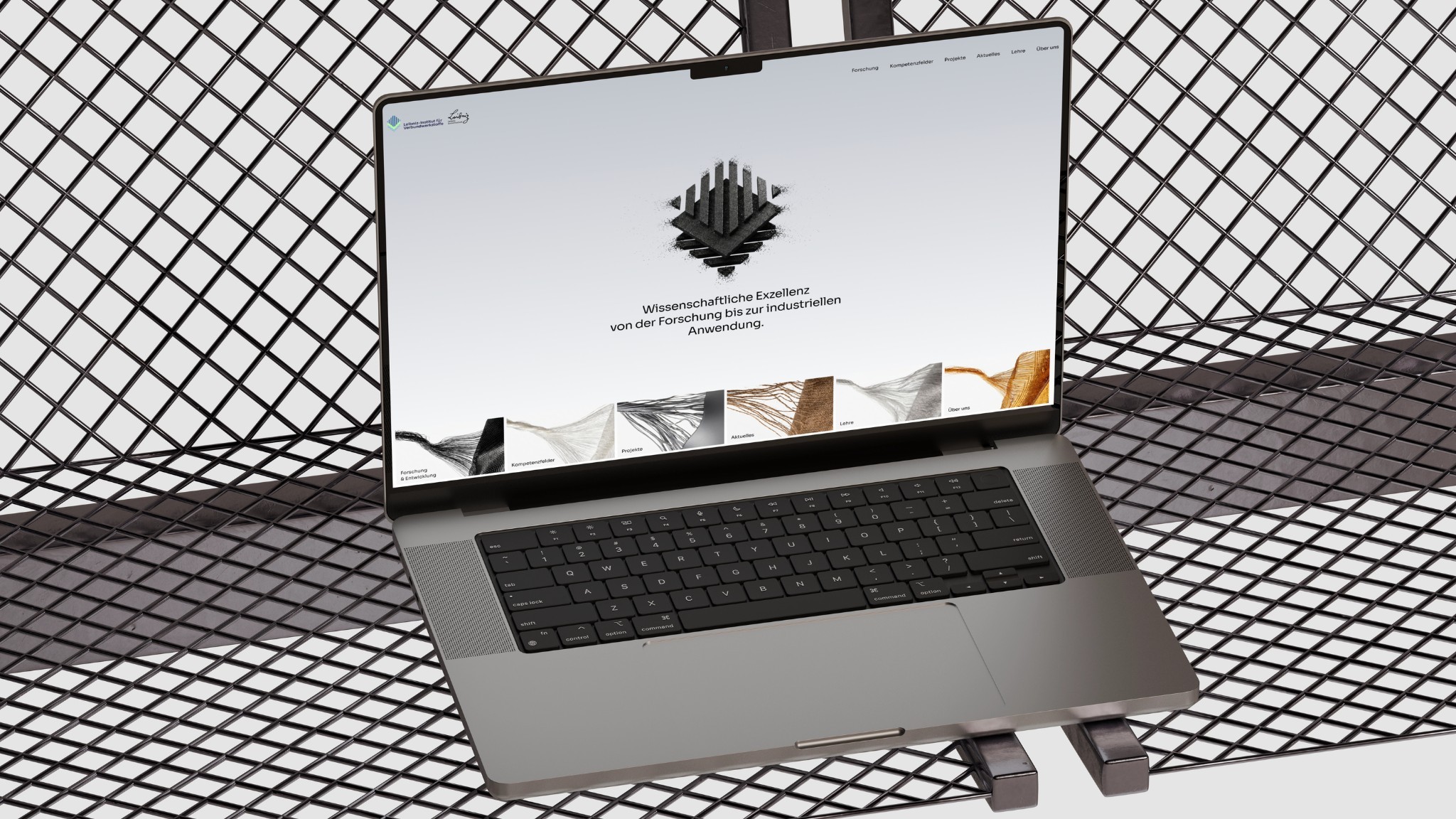
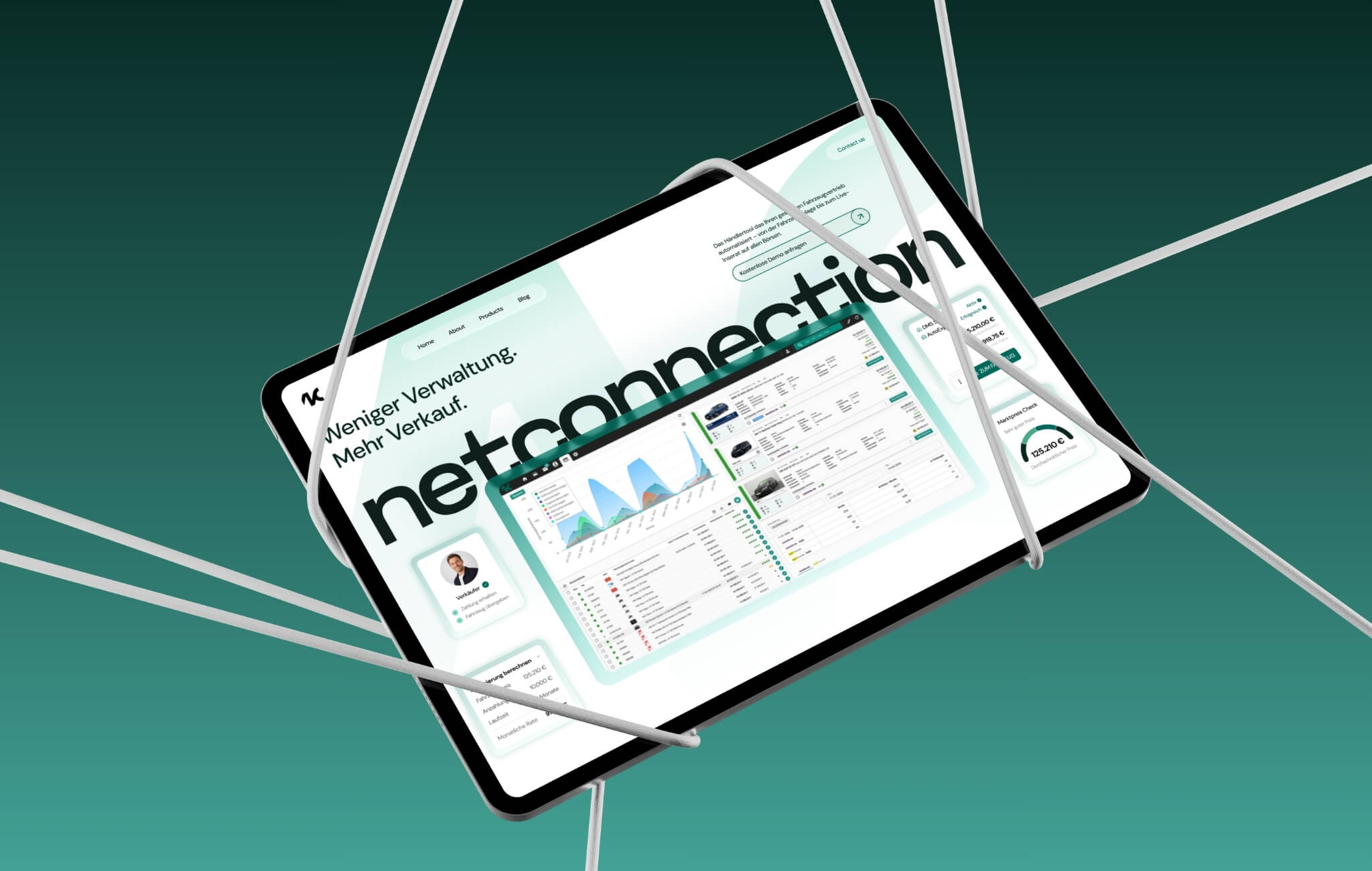
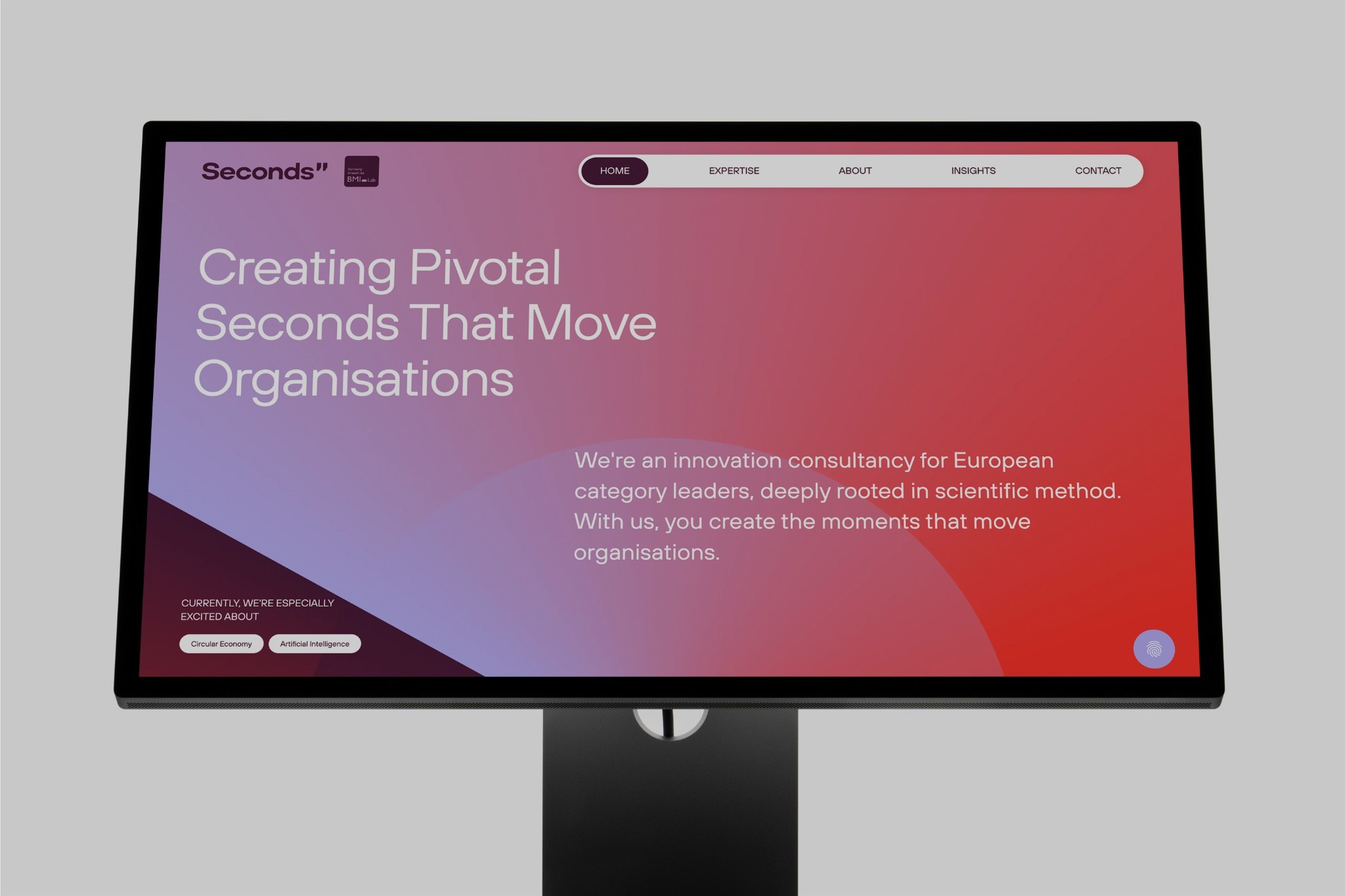
Websites we've built in Webflow.

FAQs
FAQs
Will I lose my Google rankings when moving from TYPO3 to Webflow?
Not if the migration is planned properly. We carry over content and meta data, redirect every old URL to the matching new page via 301 redirect and check Search Console and error pages after launch. Short fluctuations are normal, the foundation stays intact.
How long does a migration take?
That mainly depends on the number of pages and the amount of content, and on whether we redesign. After the audit, you get a clear timeline with milestones.
What does the move cost?
The effort depends on scope, design and features. After a short initial consultation and a look at your current site, you get a transparent quote.
Can I maintain my website myself afterwards?
Yes. You edit copy, images and CMS content in the Webflow Editor right on the page. At handover, we walk you through everything in a short training session.
Can multilingual TYPO3 content be carried over?
Yes. We transfer language versions into Webflow Localization and plan the redirects for each language.
What happens to TYPO3 extensions?
We check every extension for its function and solve it with built-in Webflow features, integrations or custom code. Whatever isn't needed is dropped.
Other platforms
Platforms & Migrations.
Read more: Relaunch without losing rankings, How a relaunch works, Webflow Premium Partner, Requirements for B2B websites.

