





Webflow to WordPress Migration
From Webflow to WordPress,when it really fits.
We're a Webflow Premium Partner and still honest: there are good reasons for WordPress. If they apply to you, we'll move your website over cleanly. If not, we'll tell you.





What it's about
Good reasons to switch.
Webflow is a very good choice for most company websites. But there are situations where WordPress is a better fit: when you need a large online store with WooCommerce, when you rely on specific plugins for member areas, courses or bookings, or when your IT department requires its own hosting.
Not every wish to switch has to do with the platform, though. Often the problem is a confusing structure or a lack of training. That's why we look at your site first and tell you openly whether a move is really the best solution.
How a move to WordPress works
CMS content can be exported from Webflow. We rebuild design and interactions in WordPress, transfer content, meta data and media, and secure every URL with redirects.
Benefits
What WordPress can offer you.
01
Large ecosystem
Plugins and extensions for a huge range of special requirements.
02
Your own hosting
Full control over servers and where your data is stored.
03
Large stores
WooCommerce for stores with complex products and processes.
04
Familiar technology
Many teams and service providers already know WordPress.
Comparison
Webflow and WordPress, honestly compared.
What you gain and what you give up when you switch from Webflow to WordPress.
Criterion
Value A
Value B
Process
How the move to WordPress works.
With the same care as any other migration.
Honest assessment
We check whether WordPress really meets your requirements better, or whether optimizing in Webflow is enough.
Concept & tech
Theme setup, plugins, hosting and a redirect plan for every URL.
Design & development
Your design built in WordPress, lean and easy to maintain.
Content transfer
CMS export from Webflow, import into WordPress, every page checked.
Launch & maintenance
Go-live with 301 redirects, followed by updates and backups if you want.
Classification
When switching makes sense.
It makes sense if
- you need a large store with WooCommerce
- you depend on specific WordPress plugins
- your own hosting or internal IT requirements demand it
It doesn't make sense if
- you only want to switch out of habit
- the problems really lie in structure or maintenance
- you don't want to handle updates, maintenance and security yourself

Our Guarantee
We are so confident in our work that we reduce your risk to zero.




If you are not completely convinced after seeing the mood boards and the first design sections, we will refund your deposit in full. This guarantee exists to eliminate your risk. It has never been redeemed.


Redeemed:
0 times. Across over 140 projects.
References
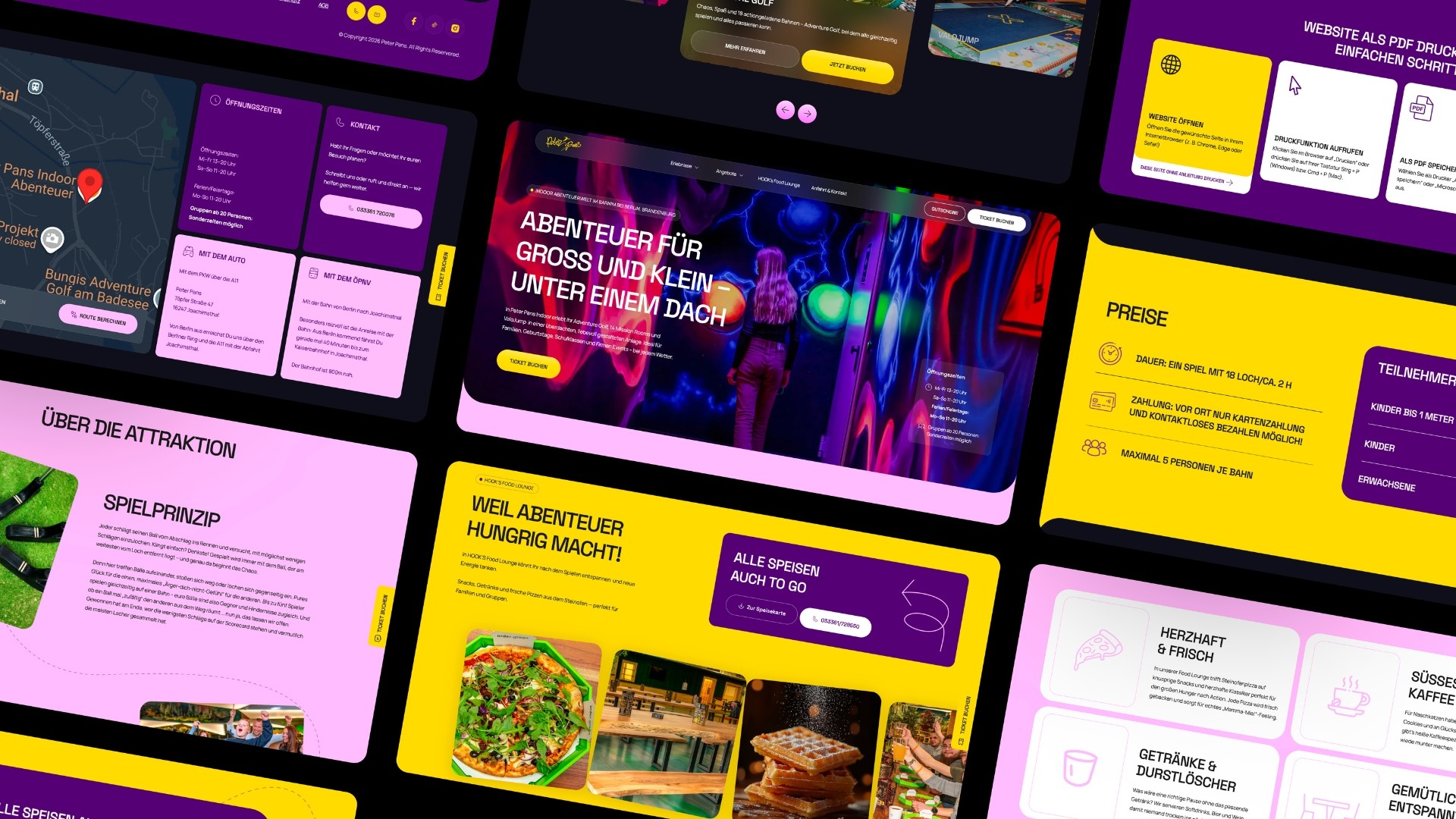
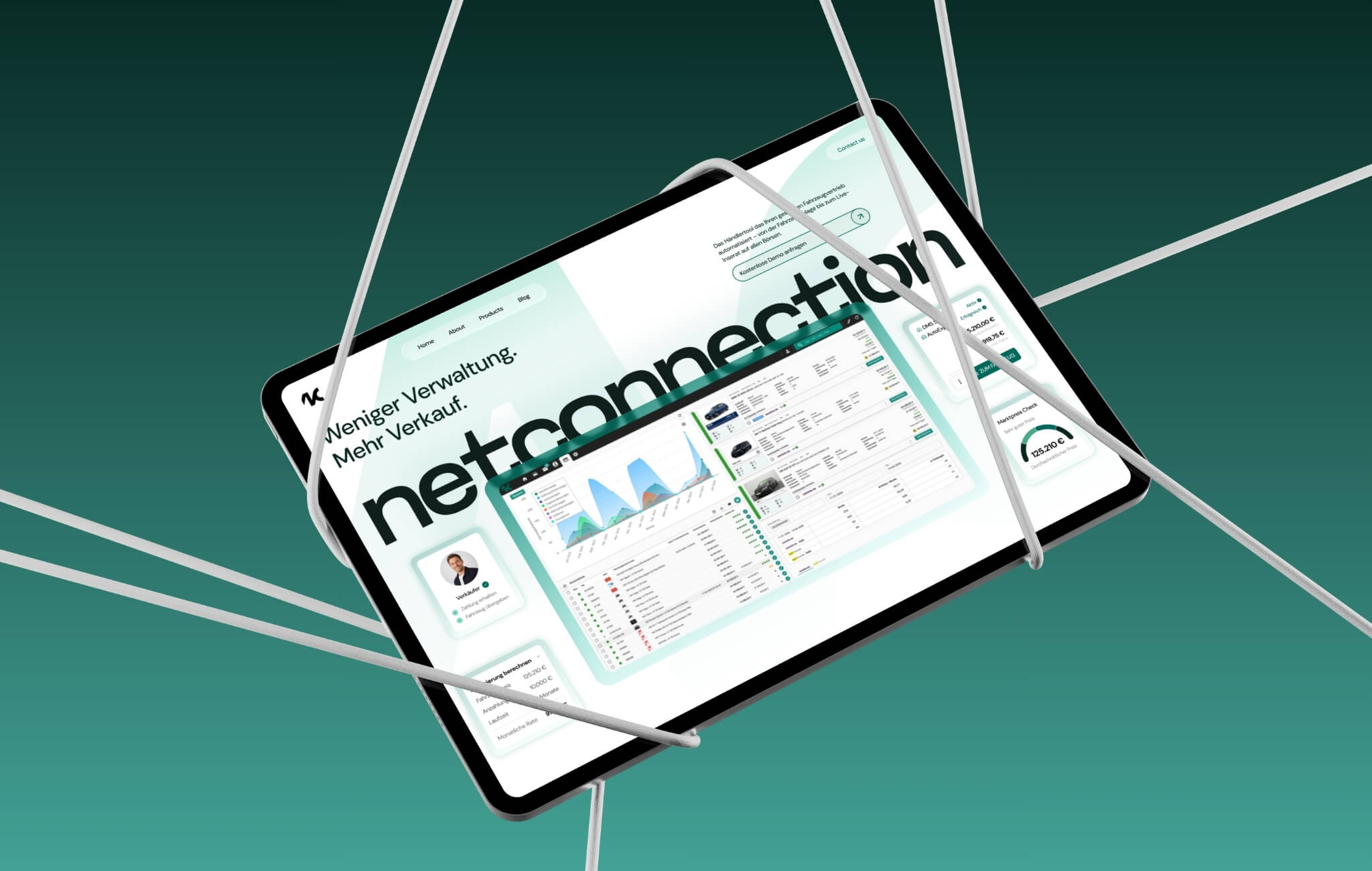
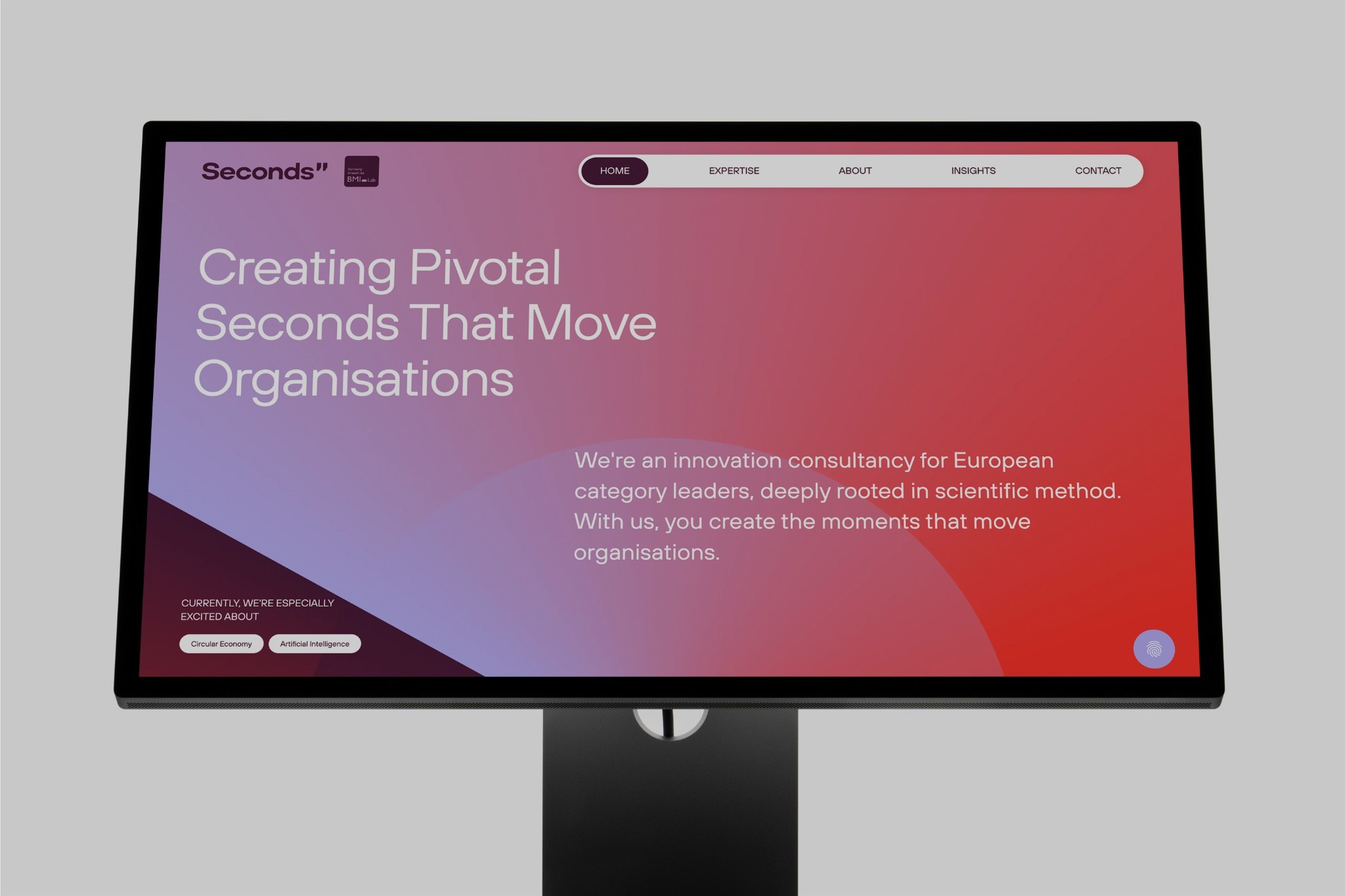
Selected web projects.

FAQs
FAQs
Can you move a Webflow website to WordPress?
Yes. CMS content can be exported from Webflow. Design and interactions are rebuilt in WordPress, content and meta data are transferred and every URL is redirected.
Will I lose my rankings when I switch?
Not if every old URL points to the matching new page via a 301 redirect and meta data is carried over. After launch, we check Search Console and error pages.
Is switching worth it to save costs?
Rarely. WordPress saves you the Webflow license, but hosting, updates, maintenance and security are added. We'll run the numbers with you honestly.
What happens to animations from Webflow?
Webflow interactions can't be transferred directly. We rebuild the important animations in WordPress.
As a Webflow partner, doesn't Webwavers always recommend Webflow?
No. We recommend the platform that fits your project. If that's WordPress, we build in WordPress.
Do you handle maintenance afterwards?
Yes, if you want, with updates, backups and monitoring.
Other platforms
Platforms & Migrations.
Read more: Webflow vs. WordPress, WordPress agency, What website support costs.

